Network
Mesh Wi-Fi or wired access points: which one fits your home or business?
Both promise coverage without dead zones. They get there differently, and the difference shows once cameras, streaming and thirty devices arrive. This guide lays out the trade-offs and who each suits.
Mesh Wi-Fi is quick to set up and loses speed at every wireless hop, so it suits a small single-level home or rental. Wired access points cost more to install and hold full speed everywhere, so they suit multi-story homes, shops, offices and smart homes. Rivas Technology Group installs wired access points across Kent, Tacoma and the South Sound.
By Ivan Rivas, Owner and Sales Engineer · 2024-07-01 · Updated 2026-09-17

What is the difference?
How the access points reach the network. A mesh system is a set of wireless nodes that relay traffic to each other over the air. Wired access points each have their own Ethernet cable back to a switch. That one difference decides speed, reliability, capacity and cost. A reliable network is the base for everything else in a building, from streaming in a home to point of sale in a shop. The choice is worth making deliberately.
What does mesh do well?
Setup and coverage in a small space. A mesh kit installs in an afternoon with a phone app and needs no cabling. It blankets a single-level home or a small office with one network name, and can be moved when the furniture changes. For a modest house with a modest number of devices and no cameras, it is a reasonable answer.
Where does mesh fall short?
Speed and capacity as the building grows. Every hop between nodes is a wireless link, and each one uses radio time the devices need. The node at the far end of the house delivers a fraction of the speed at the router. Nodes contend with each other and with the neighbors. Cameras, multi-room audio and several 4K streams saturate that shared air, and the symptom is buffering that comes and goes with no obvious cause. Management tools are basic, so when something goes wrong there is little to look at.
What do wired access points do well?
Hold full speed at every location. Each access point gets its own Ethernet run and its own power over that cable, so the signal it serves is not shared with a backhaul. The professional units we install add beamforming, which aims the signal at the device, and band steering, which moves a device to the better frequency. They add MU-MIMO, which serves several devices at once, and network security features that consumer mesh does not carry.
They scale to a large house, a warehouse or a restaurant full of phones, and they are managed from a console that shows what every client is doing.
What is the cost of wired?
Cable and planning. Each access point needs a run through the attic, crawl space or conduit, and a PoE switch to power it. Once mounted, moving one means moving a cable. That is the trade: more work up front, then years of consistent performance.
How do you choose?
By size, device count and what runs on the network.
| Mesh Wi-Fi | Wired access points | |
|---|---|---|
| Setup | Phone app, an afternoon | Site survey, cabling, switch |
| Speed at the far end | Drops with each hop | Full speed at every access point |
| Capacity | Small home, few devices | Large home, business, high density |
| Cameras and streaming | Struggles under load | Designed for it |
| Management | Basic app | Full console and remote monitoring |
| Best for | Small single-level home, rental | Multi-story home, shop, office, smart home |
If ease of setup and a small space matter most, mesh fits. If you need speed, reliability, capacity and room to grow, wired access points are the answer, and a house with cameras or a Control4 system should not be on mesh.
What do we install?
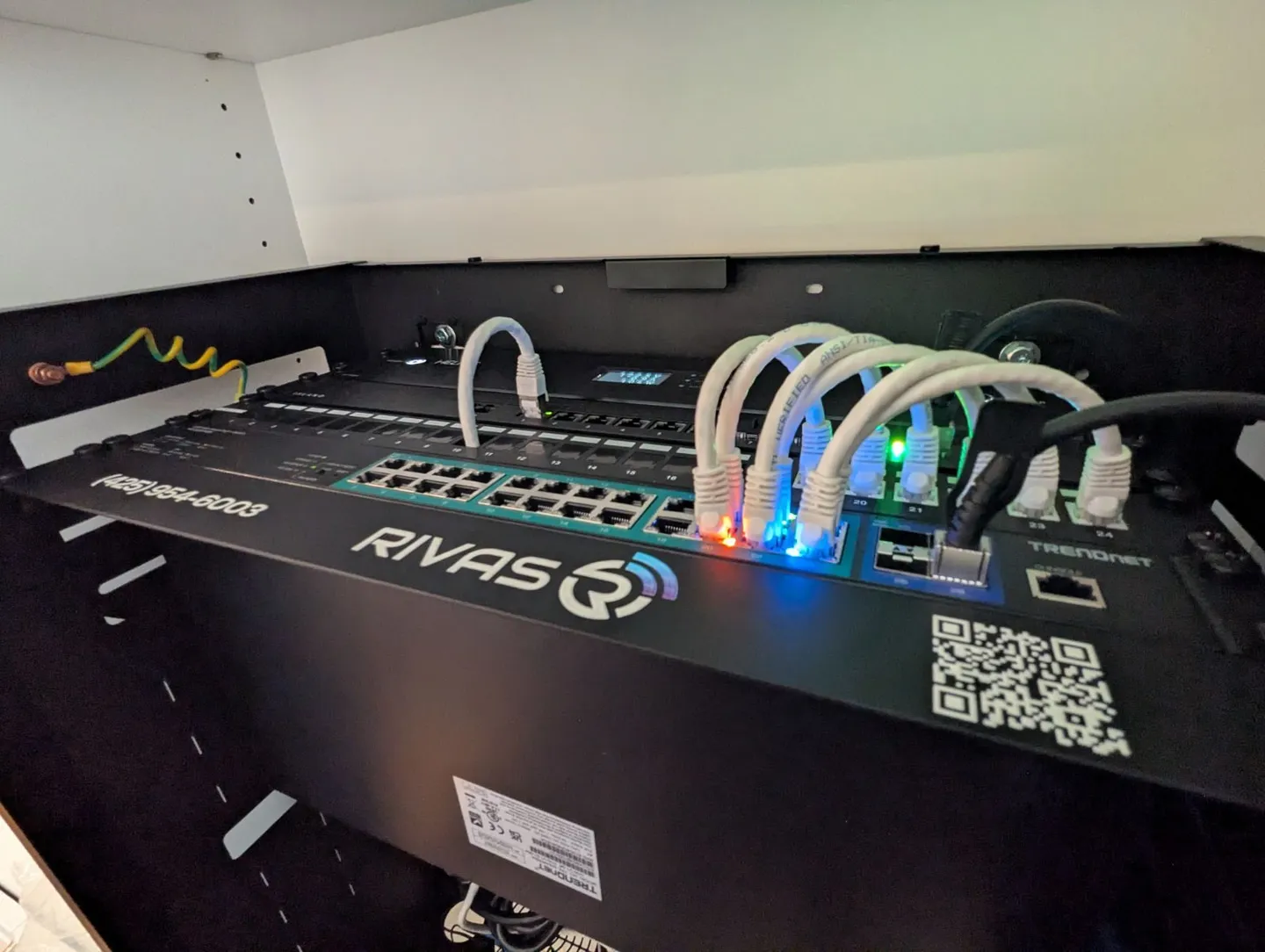
Wired access points from Ruckus and Alta Labs, on a router with a real firewall. Ruckus BeamFlex+ antennas adapt to the room and steer signal around obstacles; Alta Labs Multi-Pass manages traffic and channel selection so devices stay on the best connection. For most homes the router is the subscription-free, US-built Island Router, which has no Wi-Fi of its own and is designed to pair with wired access points. The full design, cabling, PoE switching, VLANs and battery backup, is on the Wi-Fi and networking page.
What drives the cost is the number of access points and cable drops, whether you need a rack and switch, and how the runs travel through the building. The instant quote gives a range in minutes.
Need it installed?
Rivas Technology Group designs and installs wired Wi-Fi for homes and businesses from Kent across south King County and Pierce County, under WA electrical contractor license RIVASGL799DR. Start on the Wi-Fi and networking page, or see the Kent and Tacoma pages or commercial infrastructure for a shop or office. Read the Bonney Lake outdoor Wi-Fi case study, or book a site survey below.