
Support
Something stopped working?
Here is what to do.
Service on security, smart home, network and AV systems in south King County and Pierce County. Call, text or send the form; a person who knows your system calls back within one business day, or four hours on CURATOR Complete.
For service on an existing system, call or text Rivas Technology Group at (425) 954-6003 or send the form on this page. We answer Monday to Friday 8 to 5, most issues are fixed remotely, and CURATOR Complete clients get a four-hour response. Have your system type and what you saw ready.
- Call or text
- (425) 954-6003
- Hours
- Monday to Friday, 8 to 5. No after-hours service
- Response
- Within one business day; four hours on CURATOR Complete
- Remote support
- Included with CURATOR; without a plan, we help on site
- Warranty
- 1 year on installations, 30 days on service calls
What to do when something stops working
Call or text (425) 954-6003, or send the service request form on this page. Before you do, two checks that solve a third of the calls we get: confirm the device has power, and confirm the internet is up by loading a website on your phone over Wi-Fi. If both are fine, leave the system as it is. A factory reset or a rack power-cycle can erase configuration that takes longer to rebuild than the fault.
Email works too: support-ticket@rivastechgroup.com. Say which system, what you saw and when it started. Someone who knows your install replies within one business day.
What CURATOR covers
CURATOR is our month-to-month remote care plan for systems we installed, in three tiers: Base, Plus and Complete. It covers Control4, Ajax, networking, AV, lighting, shades, cameras and access control. Every tier has proactive health monitoring, remote updates and unlimited remote support in business hours for what we installed. Plus adds priority scheduling and small tweaks to existing scenes and schedules. Complete adds a documented quarterly check, a named point of contact, mobilization waived within 50 miles, and a four-hour response backed by a free month if we miss it. Requests received after 3:00 PM are handled the next business day. On-site labor is billed at standard published rates with no plan markup. Enrollment is a short review of your systems, active within about one business day.
Hours
Monday to Friday, 8:00 AM to 5:00 PM Pacific, excluding major holidays. We do not offer emergency or after-hours service calls. If an alarm is sounding outside those hours, disarm it from the Ajax app or keypad; if you have professional monitoring, the central station is handling dispatch. Network and automation faults outside hours go on the next morning's list.
Remote support
Most faults are fixed on a secure remote session without a visit: Control4 programming and driver issues, Ajax hub and detector settings, router and access point configuration, streaming and audio zones, shade schedules. Remote support is included with CURATOR; without a plan, a visit is the published rate with a two-hour minimum. CURATOR clients pay nothing per call for fixes to what we installed. When a visit is required, we say so before scheduling it, and on-site service bills at the flat rates on the pricing and policies page with a two-hour minimum. Service calls can be rescheduled at no charge with 24 hours' notice.
What to have ready
Five things shorten every call.
- Which system. Control4 or Josh.ai, Ajax, network, audio and video, lighting, shades, cameras, intercom.
- What you saw. The exact message on the screen or in the app, and what you were trying to do.
- When it started, and what changed. A power outage, a new internet provider or router, a remodel, a new phone, a firmware prompt you accepted.
- Access. The Ajax or Control4 app on your phone, and the rack open if we need to see it.
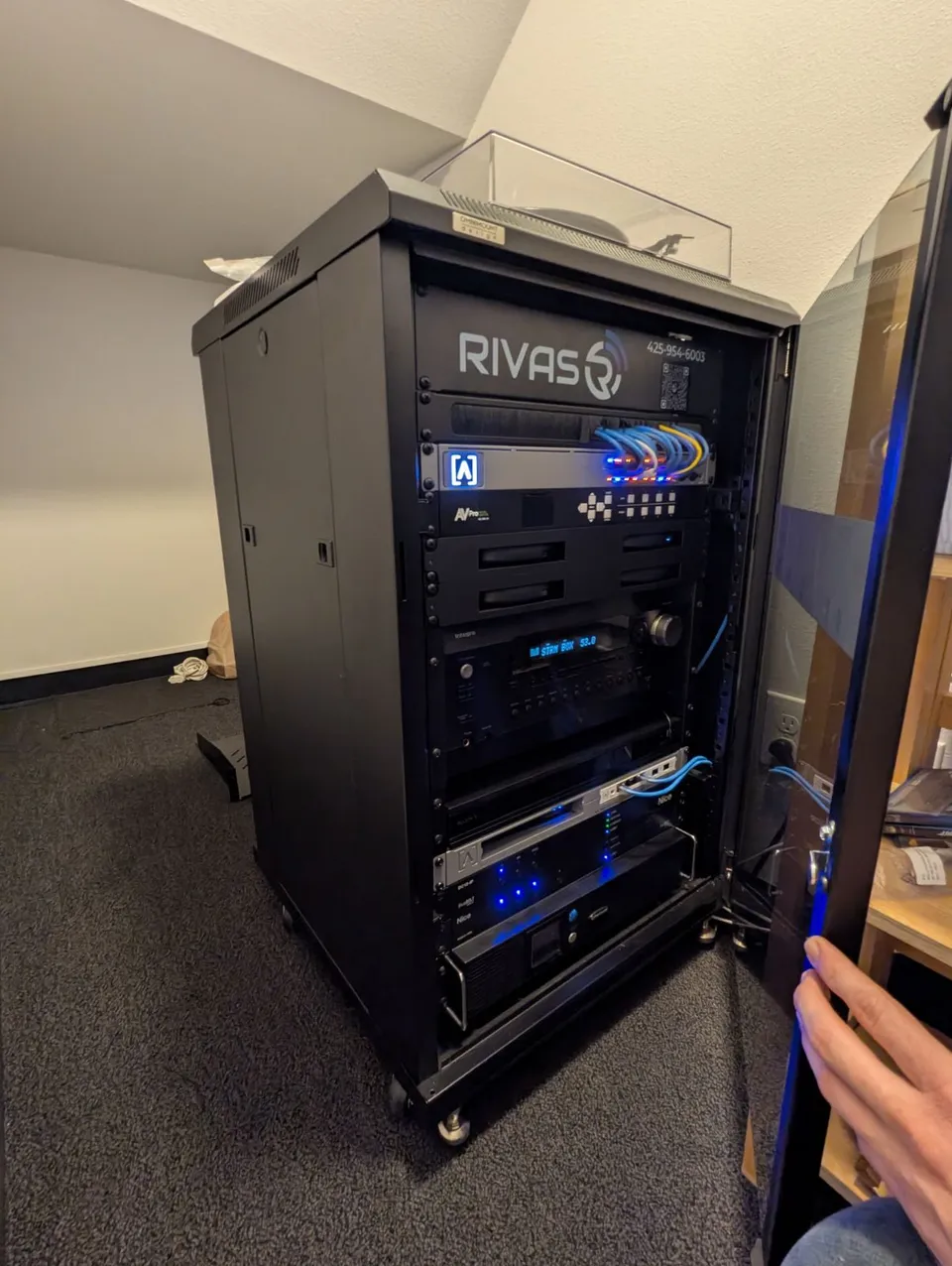
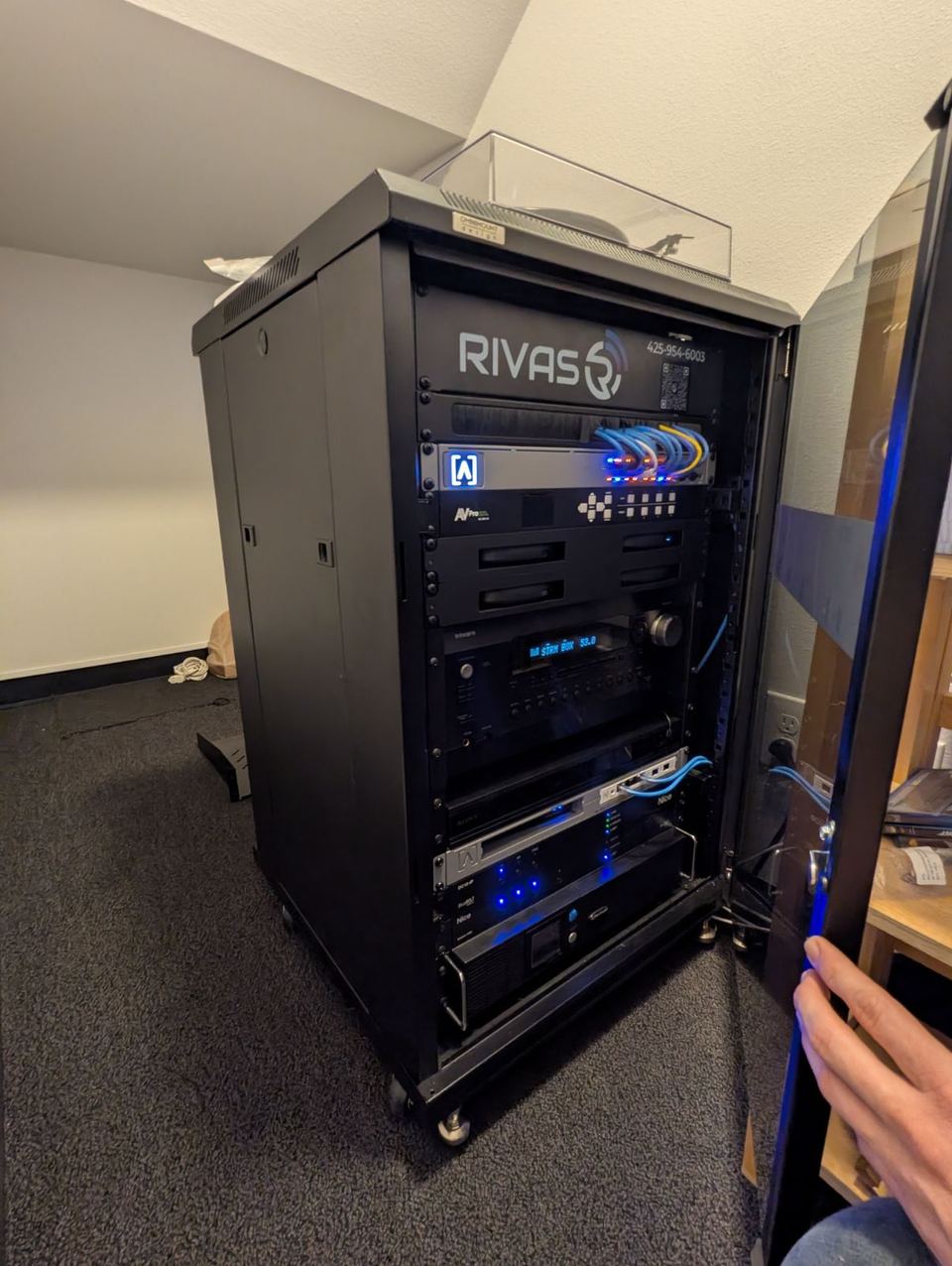
- A photo. The rack, the device or the error. It saves a visit more often than you would think.
Warranty and third-party equipment
Installation workmanship is warranted for one year from completion and service work for 30 days; if the same issue returns in that window because of our work, the labor is free. Manufacturer warranties pass through and we file the claims for equipment we supplied. We also service equipment we did not install, with a written acknowledgment first and at its own published rate; that equipment carries no warranty from us. The full terms are on the pricing and policies page.
Where we service
Kent, Renton, Tukwila, Federal Way, Auburn, Covington, Maple Valley, Tacoma, Puyallup, Sumner, Bonney Lake, Tehaleh, University Place and Gig Harbor. Service calls within 20 miles of Kent carry no travel fee; beyond that a mobilization fee applies, published on the pricing and policies page. Olympic Peninsula by appointment. Need a new system rather than a repair? Start at Security, Residential or Commercial, or use the instant quote.
Questions we hear
What should I do first when something stops working?
Check that the device has power and the internet is up, then call or text (425) 954-6003 or send the form. Do not factory-reset anything; a reset can erase configuration that takes longer to rebuild than the original problem.
Can you fix it without coming out?
Usually. Control4, Ajax, network and most AV issues can be diagnosed and often fixed remotely on a secure session. If a visit is needed, we tell you before scheduling it.
What does remote support cost?
Remote support is a CURATOR benefit: unlimited in business hours for the setup and programming we installed, with no per-call billing. Without a plan we help on site at the published rate, or CURATOR Base is $79 a month and the next request is included.
Do you offer emergency or after-hours service?
No. Service runs Monday to Friday, 8 to 5, excluding major holidays. If an alarm is going off outside hours, your monitoring station handles dispatch; the system itself can be disarmed from the app or keypad.
Will you service a system someone else installed?
Yes, with a written acknowledgment first. Third-party equipment bills at its own published rate, we document its condition before we start, and the equipment carries no warranty from us. Details are on the pricing and policies page.
Is my repair covered by warranty?
Installation workmanship is warranted for one year from completion and service work for 30 days. Manufacturer warranties pass through and we file the claims. Equipment you supplied is not covered.
What is CURATOR?
Our remote care plan for systems we installed, three tiers per property as of September 2026: Base $79, Plus $169, Complete $299 a month. Every tier has proactive monitoring, remote updates and unlimited remote support in business hours; Plus adds priority scheduling and small scene and schedule tweaks; Complete adds a four-hour response, a named contact and waived mobilization within 50 miles. Month to month, no contract.
What should I have ready when I call?
The system involved (Control4, Ajax, network, audio, shades), what you saw and when it started, whether anything changed (new internet provider, power outage, new router, a remodel), and access to the app. A photo of the rack or the device helps.
Worth reading before you decide


Send a service request.
Tell us which system, what you saw and when it started. You get a ticket number right away. Someone who knows your install replies within one business day, or within your CURATOR plan's response time.