Security
When the power goes out: what your alarm and cameras keep doing.
Windstorm season is when the lights go out for hours, sometimes days. A good alarm keeps working through it. Most cameras and doorbells do not, and the reason is usually the router, not the camera. Here is what keeps running and what to do before the next storm.
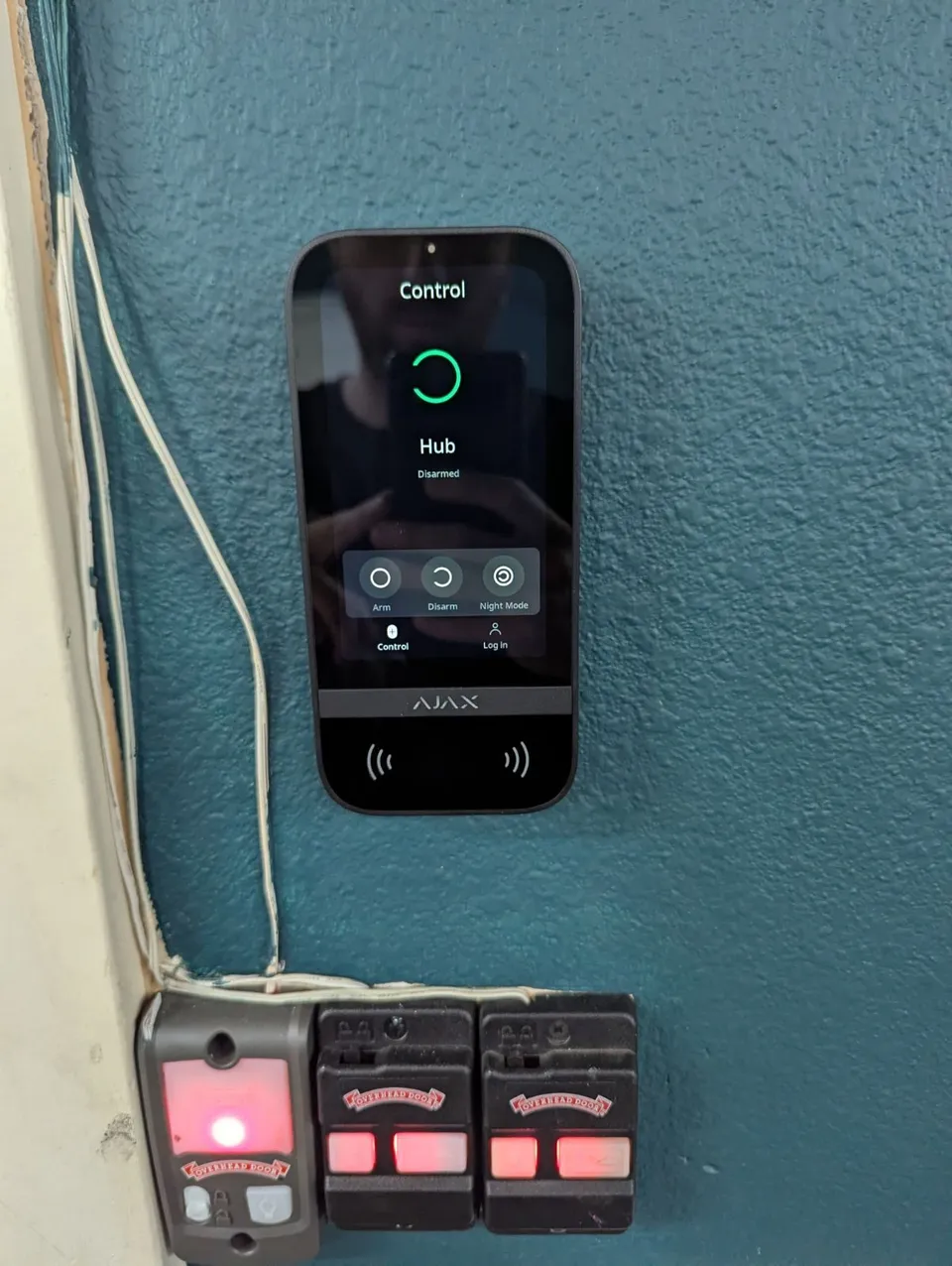
A battery-backed alarm hub keeps protecting the house in an outage. An Ajax Hub 2 Plus runs up to 15 hours on its battery and reports over cellular when the internet is down. Wi-Fi cameras and doorbells stop sending alerts when the router loses power. Wired cameras keep recording only if the recorder and its switch are on a backup battery.
By Ivan Rivas, Owner and Sales Engineer · 2026-10-28 · Updated 2026-10-28

The short answer
A battery-backed alarm keeps protecting the house when the power goes out. Most cameras and video doorbells stop doing anything useful, because they depend on the router, and the router dies with the house. Wired cameras keep recording only if their recorder and switch have backup power.
Outages here are not rare
The November 2024 windstorm ran from November 19 to 27 and affected about 518,000 customers of the region's largest utility, according to its filing with the state Utilities and Transportation Commission. Public Health, Seattle & King County tells residents that in a severe emergency they should "expect electric power to be out for several days" (King County).
A dark street is also a quiet one. That is a bad night for the security system to go blind.
What the alarm keeps doing
An Ajax system is built for this. The detectors on doors and windows run on their own batteries, so a power cut does not touch them. The hub has a backup battery. Ajax rates the Hub 2 Plus at up to 15 hours with Ethernet and Wi-Fi off (Hub 2 Plus). It rates the Hub 2 (4G) at up to 15 hours with Ethernet off (Hub 2).
When the router goes down, the hub switches to cellular. The Hub 2 Plus carries two SIM cards as well as Ethernet and Wi-Fi. Alerts keep reaching your phone, and with monitoring, the central station. The siren works either way.
The weak point is a long outage. If the cell sites in your area lose power too, nothing leaves the house. The siren still sounds, and the hub sends everything it saw once the network is back.
What Wi-Fi cameras and doorbells do
They stop sending alerts. A plug-in Wi-Fi camera loses power with the house. A battery camera or doorbell may stay awake, but it talks to the internet through your router, and the router is off. Some record to a memory card in the camera, which helps after the fact but tells nobody anything at the time.
Cameras that work without Wi-Fi
Wired cameras do. A camera cabled to a recorder in the house records with no Wi-Fi and no internet at all. The internet is only how you watch from somewhere else. That is why we wire cameras wherever the house allows it; the security cameras page covers how.
Wired cameras take their power through the network cable, from the recorder or a switch. So in an outage they last exactly as long as that gear does. Put the recorder, the switch and the modem on a backup battery (a UPS) and the cameras keep recording through a short outage. How long depends on how many cameras it is carrying.
What is worth doing before the next storm
- Check the alarm has a cellular path. A hub on Wi-Fi alone goes quiet when the router does. The home security page shows how we set up the Ajax system.
- Put the network on a UPS. The modem, the router and the camera switch, at minimum. Your provider's equipment down the street may be out too, but a recorder in the house keeps recording either way. The Wi-Fi and networking page covers the rack.
- Know what reports to whom. If nobody in the house would act on a 3 a.m. alert during a storm, monitoring is the part that still works. See verified alarm monitoring.
After the power comes back
Open the alarm app and look for anything offline or low on battery. Check that the recorder is recording and every camera has a picture. A router that restarts can hand cameras a new address and leave them disconnected, which is easy to miss until you need the footage.