
Project: home router upgrade
A Bellevue home,
a router upgrade that kept the Wi-Fi
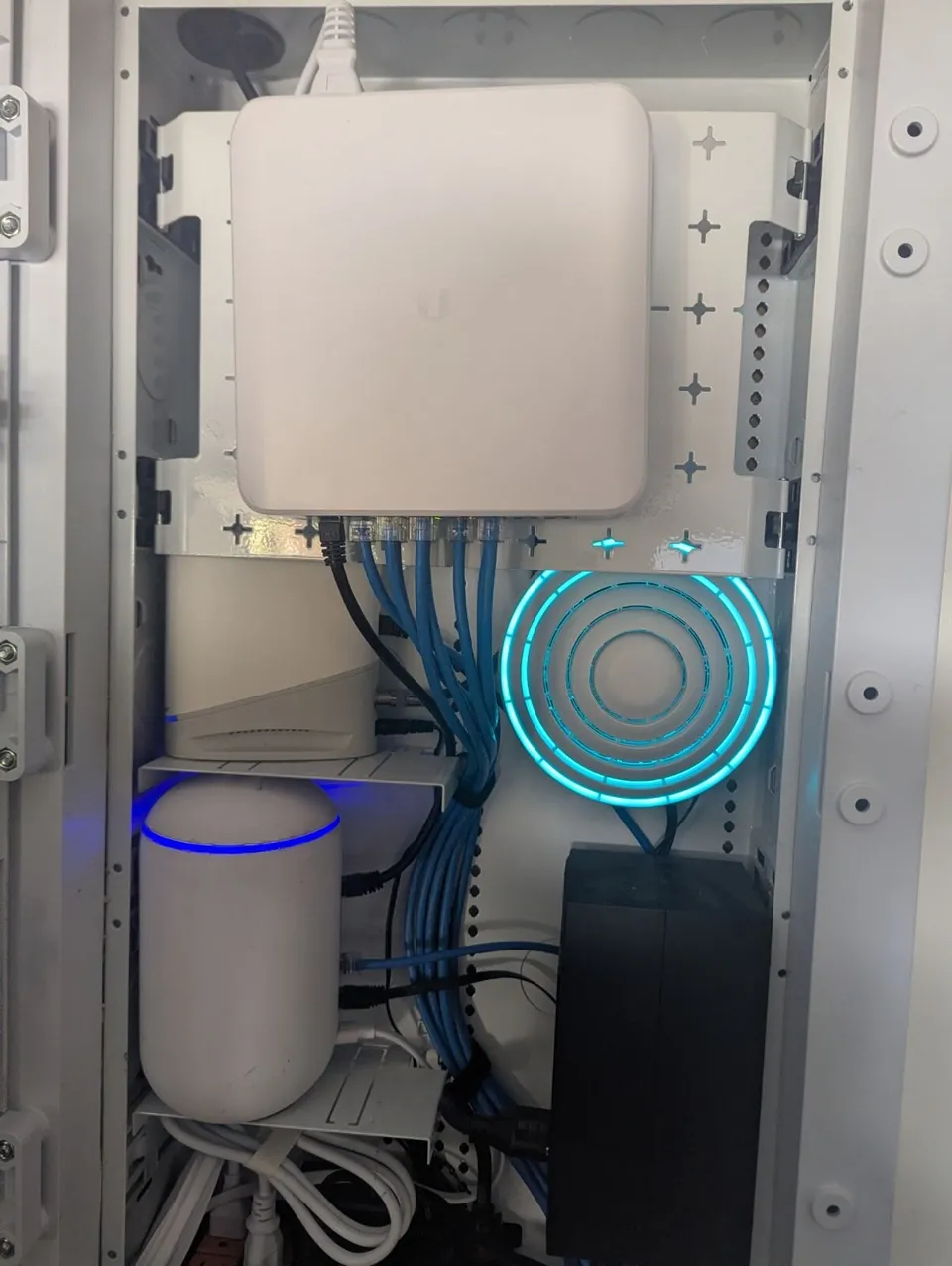
We installed this Bellevue home's network five years ago. The owners called with a question about a modem firmware notice from Xfinity. The honest answer was that it did not apply to them. Then they asked what upgrade would actually help, and we recommended an Island Router.


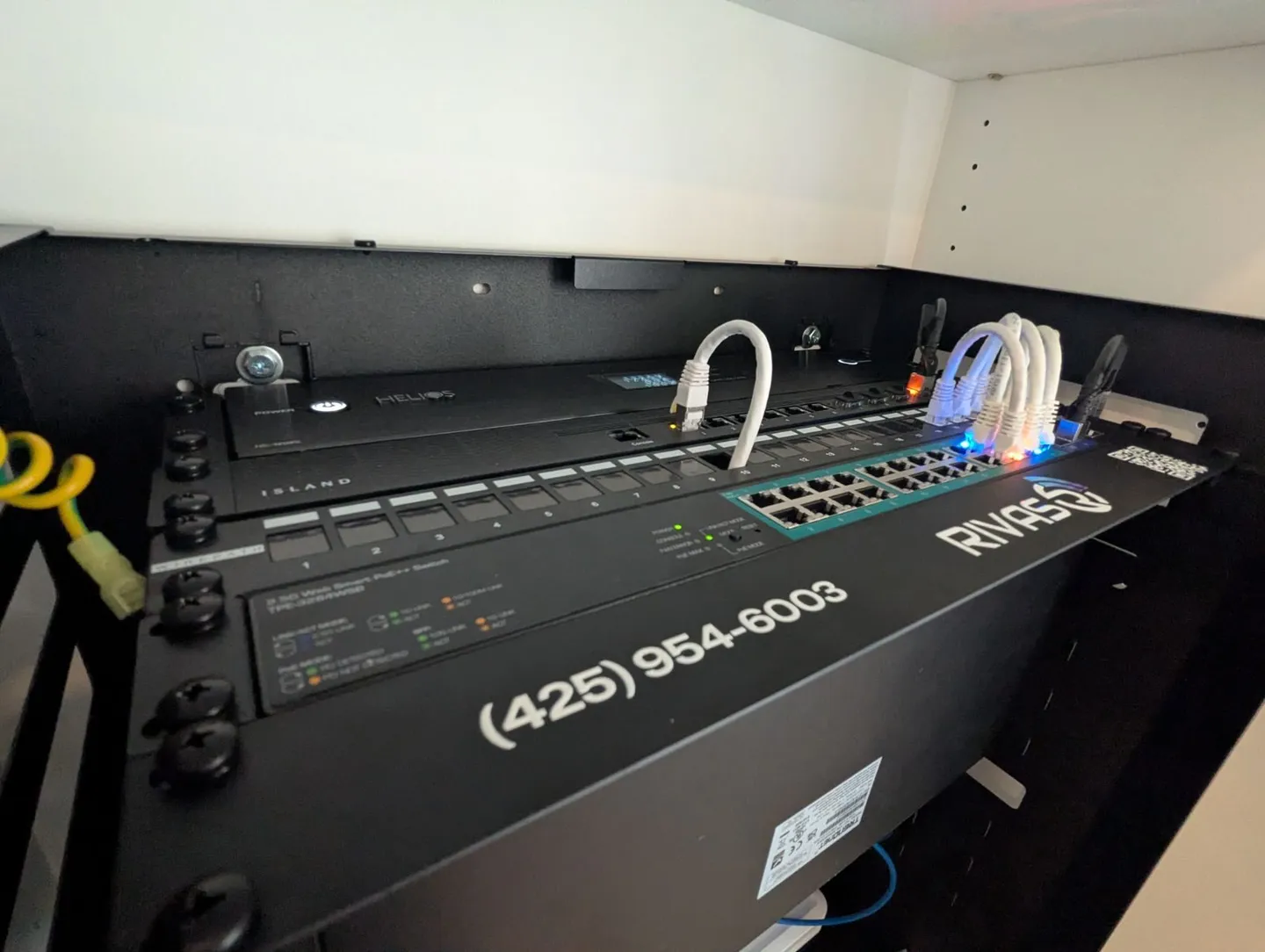
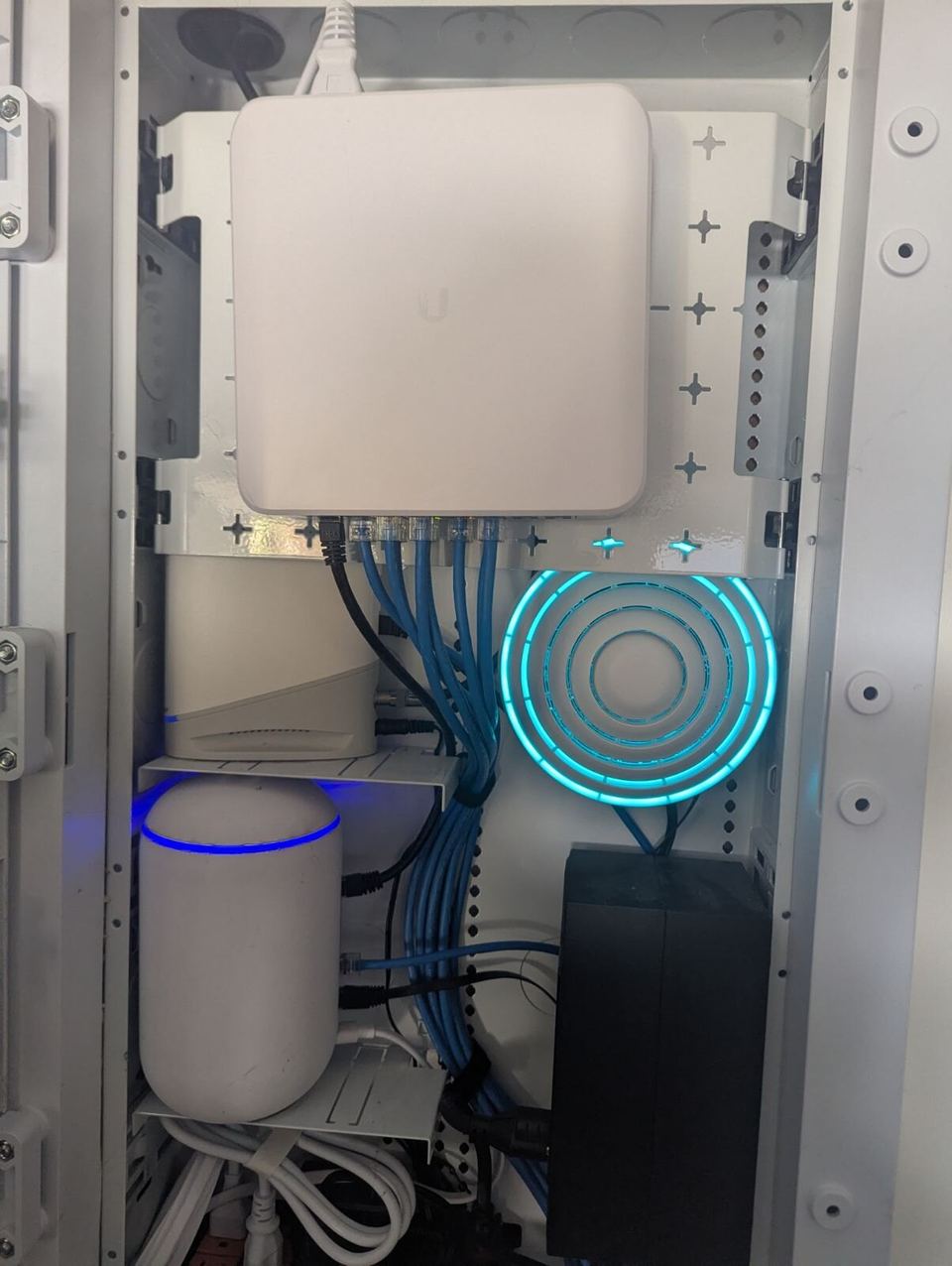
Rivas Technology Group upgraded the router in a Bellevue home whose network we installed five years earlier. An Xfinity firmware notice was aimed at Xfinity's own gateways; the owners use their own Arris S33 modem, so it did not apply. For the upgrade they asked about, we installed an Island Router to take over routing and the firewall, and kept their existing UniFi Wi-Fi in place.
- Client
- Private home
- City
- Bellevue, WA
- History
- Network installed by us five years earlier
- The question
- An Xfinity modem firmware notice; it was for Xfinity gateways, and the owners own an Arris S33 modem, so it did not apply
- Upgrade
- Island Router, the 1 Gbps model, now handles routing and the firewall
- Kept
- The existing UniFi Wi-Fi and switch, in the same wall panel
The call
Five years after we installed this Bellevue home's network, the owners called about a firmware notice from Xfinity. They wanted to know whether they had to do anything.
The honest answer
The notice was written for Xfinity's own gateways. These owners bought their own modem, an Arris S33, so it did not apply to them. Nothing needed doing, and we said so.
The upgrade they asked about
While we had them, they asked what upgrade would make a real difference for their household. We recommended an Island Router, the 1 Gbps model.
The Island Router now handles routing and the firewall on its own dedicated device. The UniFi Wi-Fi and switch we installed five years ago stay exactly where they are and keep doing the Wi-Fi. Same panel, same cabling, a stronger core.
Why it worked
- The right answer first. The firmware question got a straight answer, even though it sold nothing.
- Upgrade the core, keep the Wi-Fi. The UniFi Wi-Fi stayed in place. Only the router changed.
- A router without a subscription. Island has no monthly fee and no cloud account to depend on1.
- One team, years later. The same company that built the network supports it.
Questions we hear
Does an Xfinity modem firmware notice apply if I own my modem?
Not always. The notice these owners received was written for Xfinity's own gateways. They own their modem, an Arris S33, so the notice did not apply to their equipment. If you get one, check which device it names before you change anything; we are happy to look.
Can I upgrade the router and keep my UniFi Wi-Fi?
Yes. The Island Router has no Wi-Fi of its own2. It takes over routing and the firewall, and the existing UniFi access points and switch keep doing the Wi-Fi. Nothing in the walls changed.
Why an Island Router?
It is a wired router built in the United States, with no subscription and no cloud account1. The routing and firewall run on a dedicated device instead of sharing a box with everything else. The 1 Gbps model fits service up to 1 Gbps; the Island Pro is for multi-gig. More on our Island Router page.
Do you support networks you installed years ago?
Yes. This home called us five years after the install. We answered the firmware question straight, even though the answer was that nothing needed doing, and recommended an upgrade only once the owners asked what would help.
Got a notice about your modem or router?
Send us the notice and tell us what you have. We will tell you whether it applies and what, if anything, is worth upgrading. We call or text back within one business day.