
Project: whole-home Wi-Fi
A North Bend home,
Wi-Fi 6 in every room without rewiring
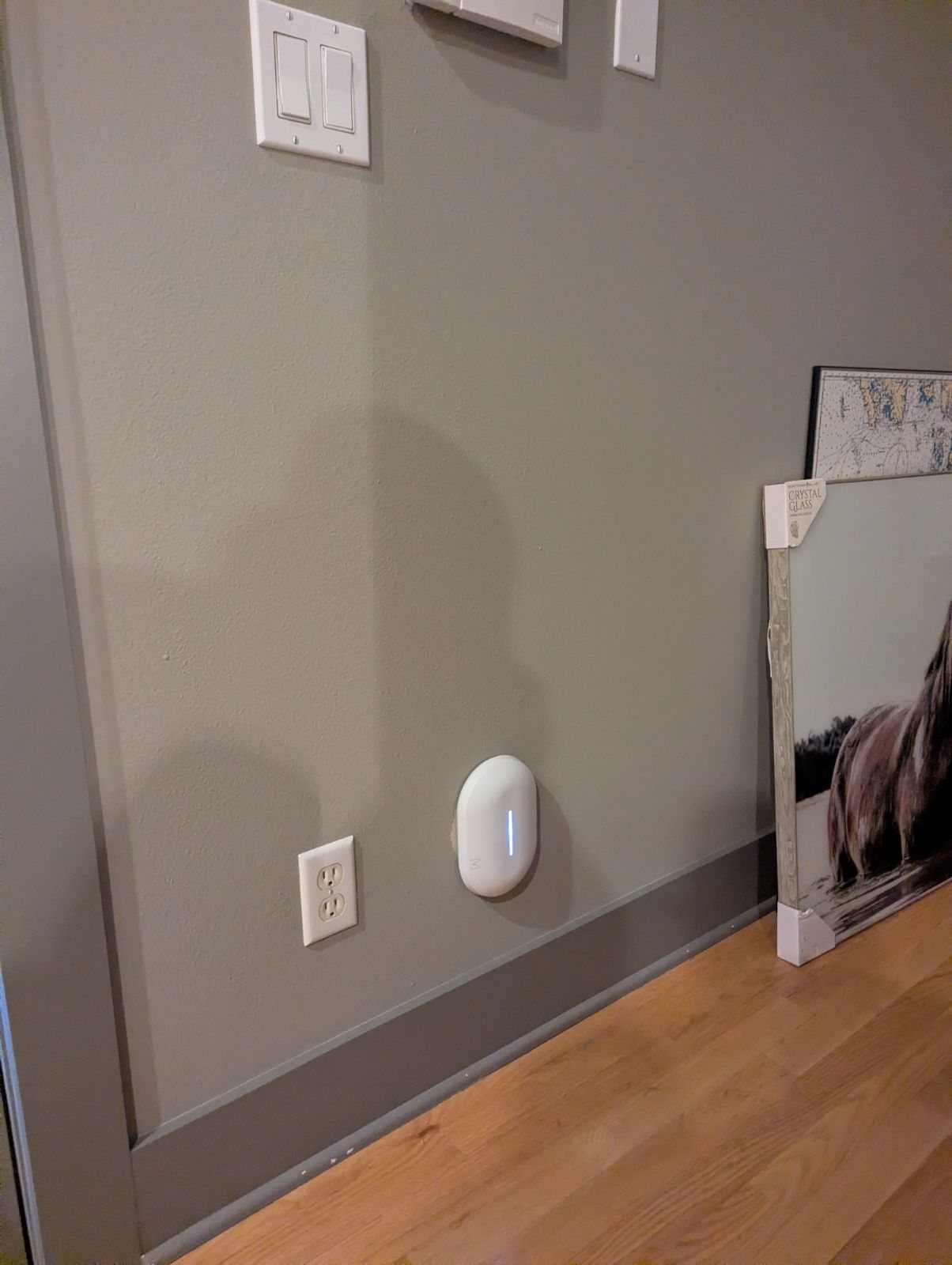
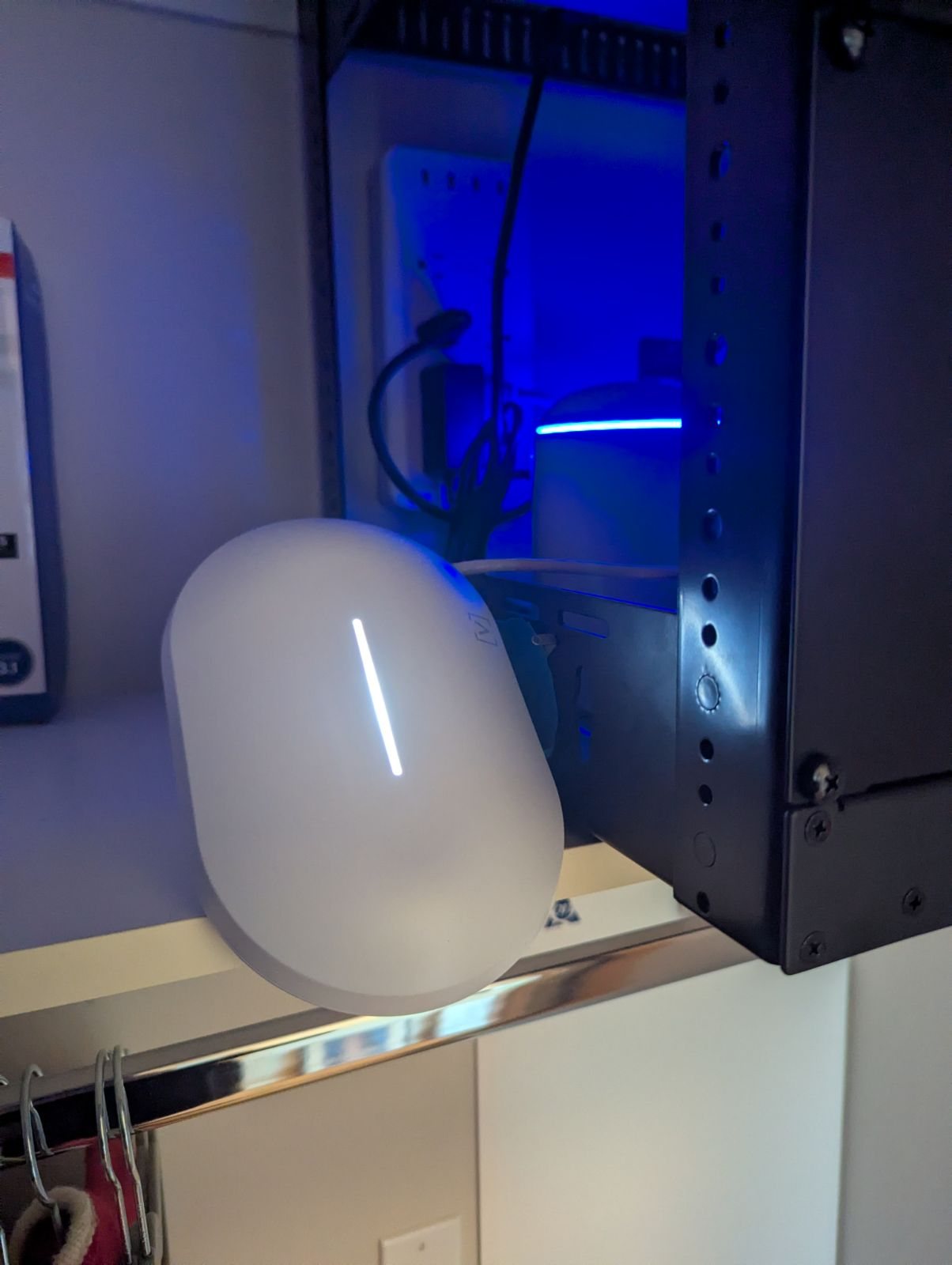
A hillside home in North Bend, in the Snoqualmie Valley, had network wiring in the walls but Wi-Fi that dropped and lagged. Rivas Technology Group put four Alta Labs Summit-A6 Wi-Fi 6 access points on the existing Cat5e runs. No new cable was pulled, and the job took 2 to 3 hours.
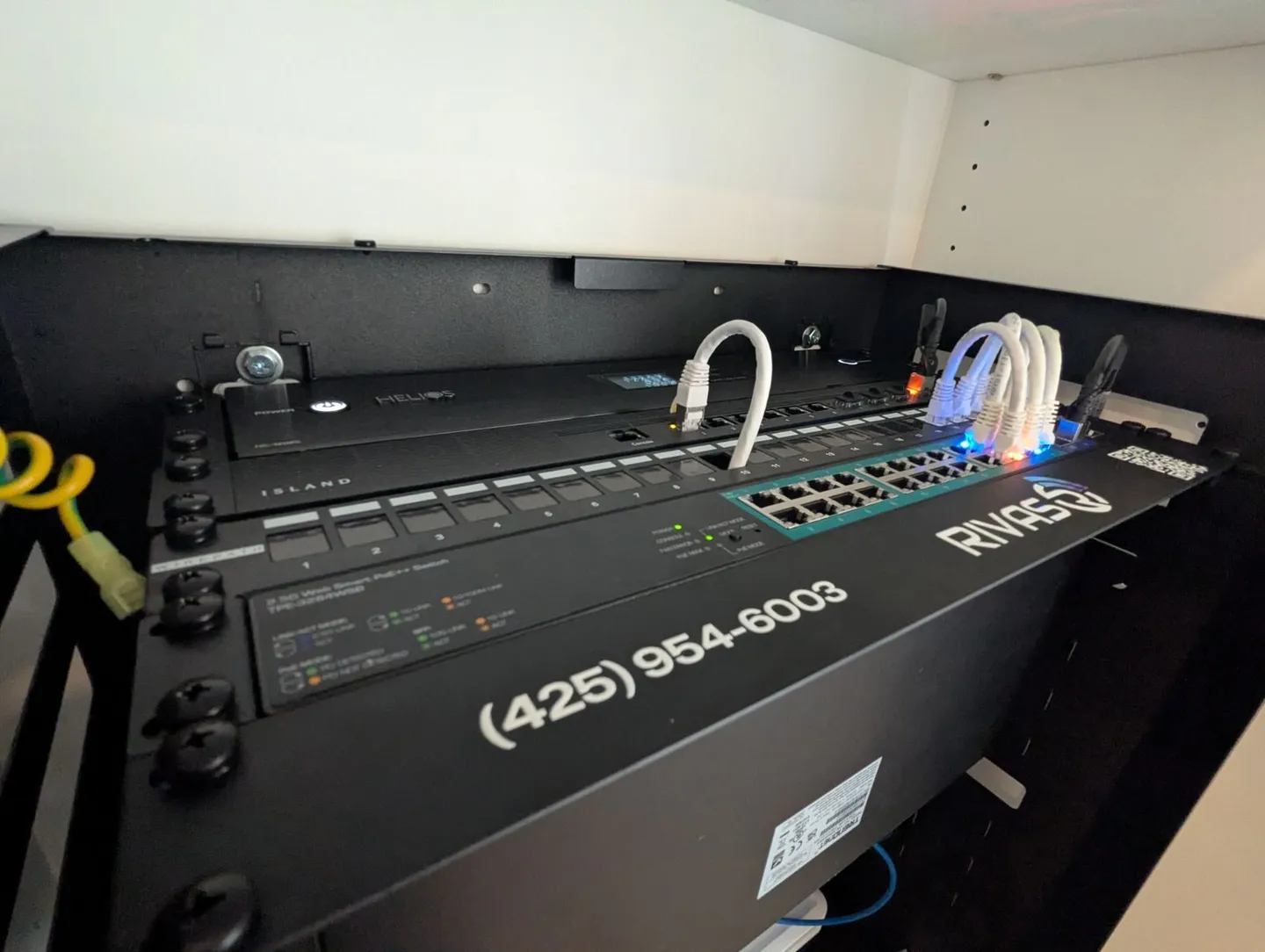
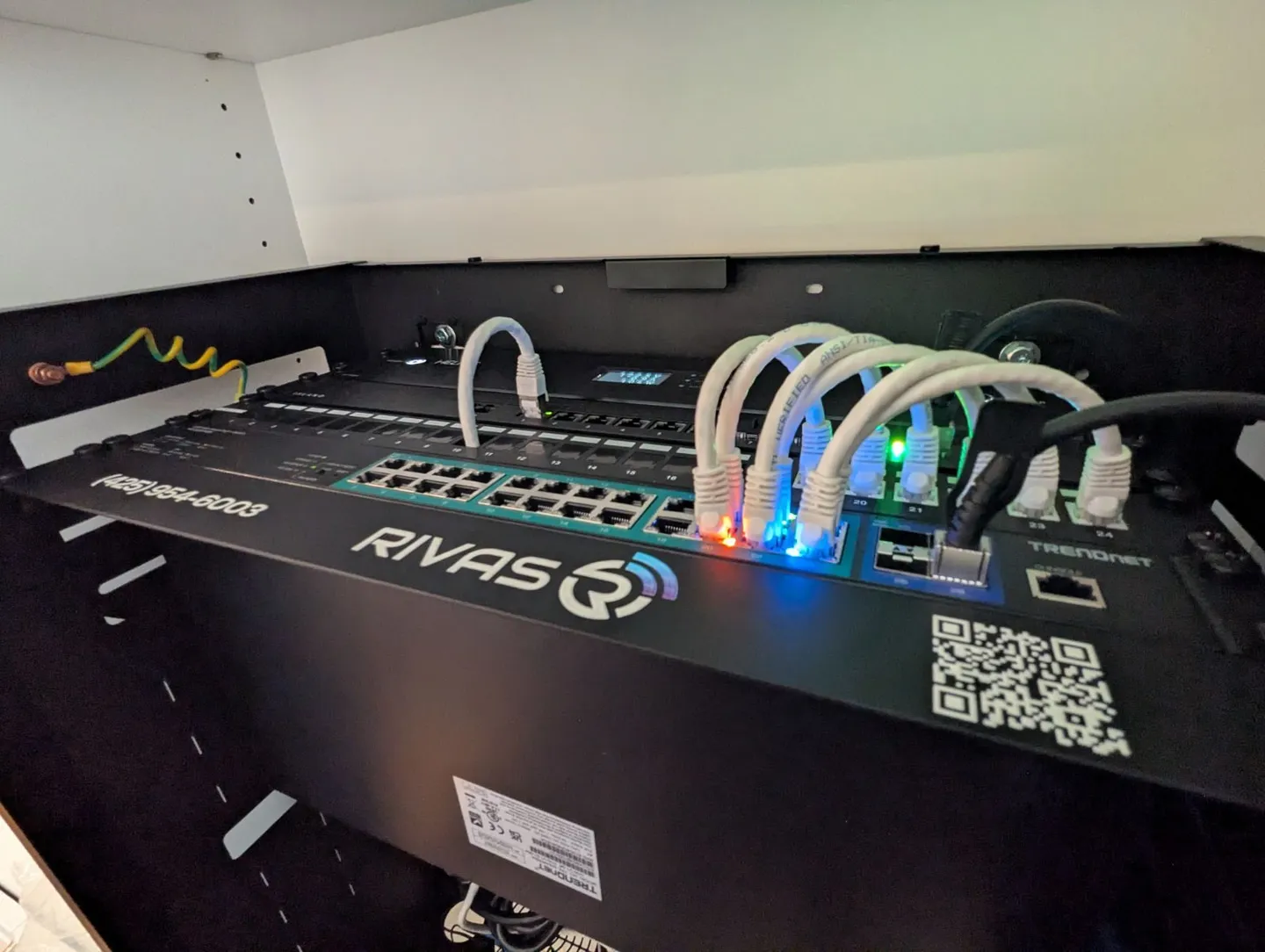

Rivas Technology Group upgraded a North Bend, WA home to whole-home Wi-Fi 6 with four Alta Labs Summit-A6 access points installed on the home's existing Cat5e wiring. No new cable was pulled. Installation, programming and testing took 2 to 3 hours on site, and the home went from poor coverage, dropped devices and lag to strong Wi-Fi throughout the house.
- Client
- Private home
- City
- North Bend, WA
- System
- Whole-home Wi-Fi 6
- Installed
- Four Alta Labs Summit-A6 Wi-Fi 6 access points
- Wiring
- The home's existing Cat5e; no new cable pulled
- Time on site
- 2 to 3 hours, including programming and testing
Can you get Wi-Fi 6 without rewiring the house?
In this North Bend home, yes. The house already had Cat5e network cable in the walls, but the Wi-Fi did not reach every room: coverage was poor, and devices dropped off and lagged.
Rivas Technology Group put four Alta Labs Summit-A6 Wi-Fi 6 access points on those existing Cat5e runs. Each access point is wired, powered over the same cable by PoE+, and placed where the house needed coverage. No walls were opened and no new cable was pulled. Installation, programming and testing took 2 to 3 hours.
What changed
The home now has strong Wi-Fi throughout the house, and the drops and lag are gone.
The access point: Alta Labs Summit-A6
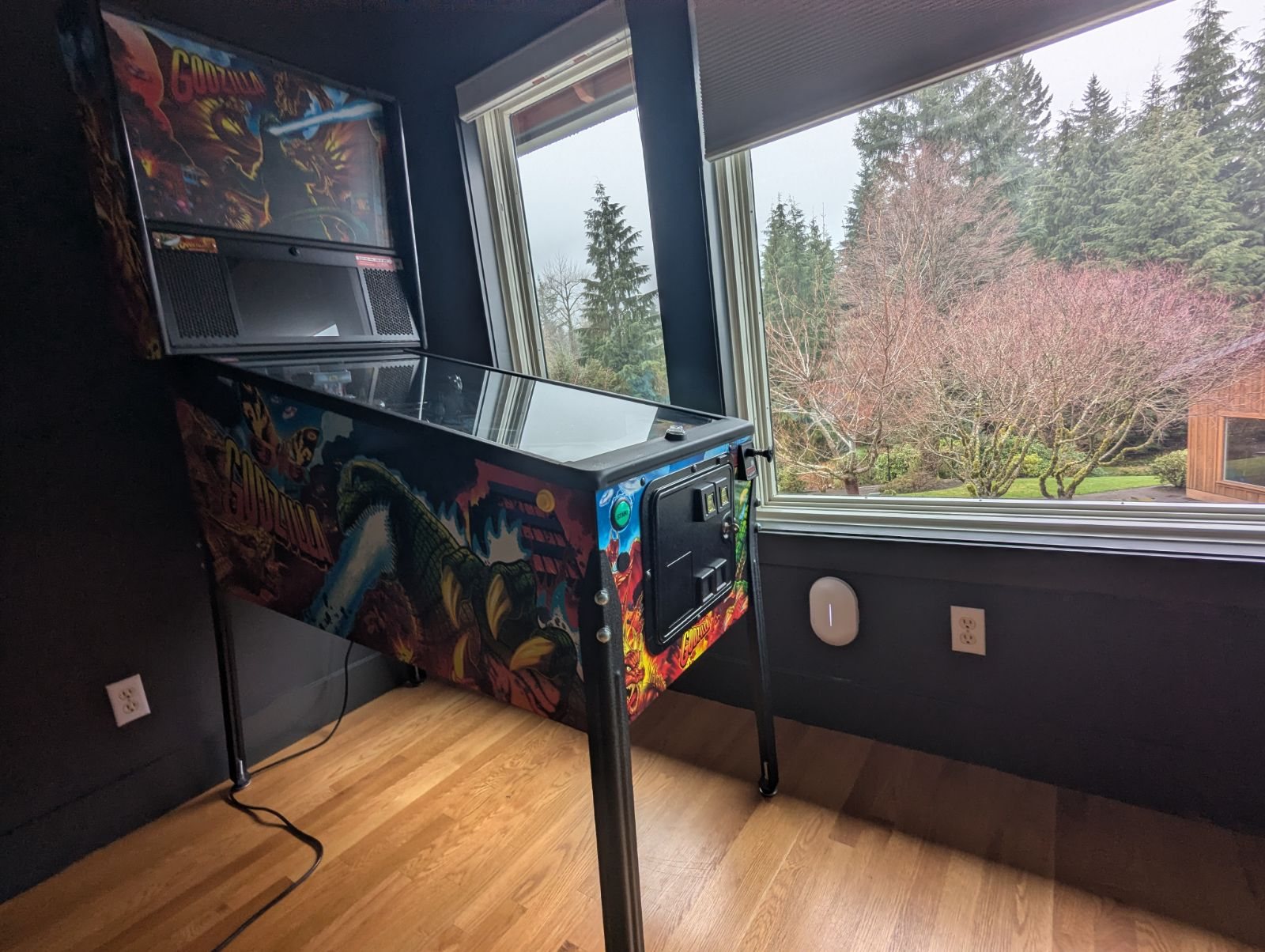
The Summit-A6 is a professional Wi-Fi 6 access point from Alta Labs, sold through installers rather than in stores. From Alta's own spec sheet:
- Radios: 4x4 on 5 GHz, up to 5.8 Gbps; 2x2 on 2.4 GHz, up to 573 Mbps.
- Connection: one gigabit Ethernet port; Alta specifies Cat5e or better, which is what let this home reuse its wiring.
- Power: PoE+, over the same Ethernet cable.
- Mounting: wall, ceiling, drop ceiling or table top.
- Management: the Alta app and Alta's cloud portal.
Why wired access points instead of mesh
Mesh units pass the signal between each other over the air, and each hop costs speed. Wired access points each have their own cable back to the network, so the far rooms get the same connection as the room next to the router. When a house already has network cable, as this one did, wired access points are often the faster and cleaner fix. The Wi-Fi and networking page covers how we design a home network.
Questions we hear
Can I upgrade to Wi-Fi 6 without rewiring my house?
Often, yes. If the house already has Ethernet runs (Cat5e or better) to the right rooms, Wi-Fi 6 access points can go on those runs. This North Bend home got four Alta Labs Summit-A6 access points on its existing Cat5e, with no new cable pulled.
How do I fix Wi-Fi dead zones in a large house?
Put wired access points where the house needs coverage, each on its own Ethernet cable, instead of one router or a wireless mesh. Each access point gets full speed from the cable, so rooms far from the router stop dropping and lagging.
What is the Alta Labs Summit-A6?
A Wi-Fi 6 access point from Alta Labs, sold through professional installers. It runs 4x4 on 5 GHz (up to 5.8 Gbps) and 2x2 on 2.4 GHz (up to 573 Mbps), has one gigabit Ethernet port, takes its power over that cable (PoE+), and is managed in the Alta app.
How long does a whole-home Wi-Fi upgrade take?
When the wiring is already in the walls, not long. This North Bend home took 2 to 3 hours on site, including installation, programming and testing.
Is wired Wi-Fi better than mesh?
For a whole house, usually. Mesh units pass the signal to each other over the air, which costs speed at each hop. Wired access points each have their own cable back to the network, so every room gets the same strong connection.
Wi-Fi that drops or misses rooms? Start with a walk-through.
Tell us about the house, where the Wi-Fi drops and what wiring is already there. We walk it with you and send a fixed proposal. We call or text back within one business day.