Network
AI is making hacking cheaper. Is your router ready?
Attackers now use AI to do most of the work in a hacking campaign, and the FBI has warned that old home routers are already being taken over. Your router is the front door to every device in the house. Here is how to tell if yours is up to it, and what a secure router actually does.
Router security comes down to three things: a router that still gets security updates, a firewall and threat blocking that are on by default, and cameras and smart devices kept apart from your computers. If your router is end of life, the FBI's advice is to replace it. A router like the Island, built in the US with no subscription, does all three out of the box.
By Ivan Rivas, Owner and Sales Engineer · 2026-11-23 · Updated 2026-11-23
AI is speeding up the attackers
In November 2025, Anthropic reported that a Chinese state-sponsored group used its Claude Code tool to attack roughly thirty organizations, and that AI did "80-90% of the campaign", with people stepping in only at "perhaps 4-6 critical decision points per hacking campaign" (Anthropic). The same month, Google's threat intelligence team described malware families, PROMPTFLUX and PROMPTSTEAL, that "use Large Language Models (LLMs) during execution" (Google).
Those campaigns went after organizations, not living rooms. The lesson for a home is simpler: finding and exploiting a weak device is getting faster and cheaper. The devices that get found first are the ones nobody updates.
Old routers are already being hijacked
In May 2025 the FBI warned that "End of life routers were breached by cyber actors using variants of TheMoon malware botnet", with the malware letting criminals "install proxies on unsuspecting victim routers", so crimes can run through someone else's internet connection (FBI IC3). The FBI notes that routers from 2010 or earlier likely no longer get updates. Its first recommendation: "If the router is at end of life, replace the device with an updated model if possible."
The 60-second router check
- Find the model on the label on the bottom or back.
- Check it still gets updates. Search the model and "end of life" on the maker's site. No updates means no fixes.
- Change the default admin password if it was never changed.
- Turn off remote management unless you use it.
- Use WPA2 or WPA3 for Wi-Fi, with a long password.
- Separate cameras and smart devices from your computers and phones, on their own network.
If step 2 fails, the router is the problem, and no setting fixes it.
What a secure router does for you
The router sits between every device in the house and the internet, so it is the one place that can protect all of them, including the camera, the thermostat and the TV that never get a security app. Here is what the Island Router does, in its maker's words (Island):
- A firewall that is already on: an "automated, next-gen firewall built-in with no configuration needed".
- Intrusion prevention and deep packet inspection: the IPS "blocks all unauthorized incoming access".
- Threat blocking for every device: it protects all devices from phishing, malware, ransomware and bot command-and-control sites, with URL filtering from "a continuously updated threat database from Webroot" (Island).
- Private DNS: a non-circumventable DNS over HTTPS resolver with DNSSEC validation.
- Device isolation: cameras, guests and smart devices on their own networks, and the option to "quarantine any new device joining the network".
- No cloud reliance: traffic logs and device lists "reside locally only and are not visible to the Internet".
- Updates that just happen: "automated, non-disruptive firmware and app updates".
- No subscription (Island), and made in the US: "Hardware designed and assembled in the U.S."
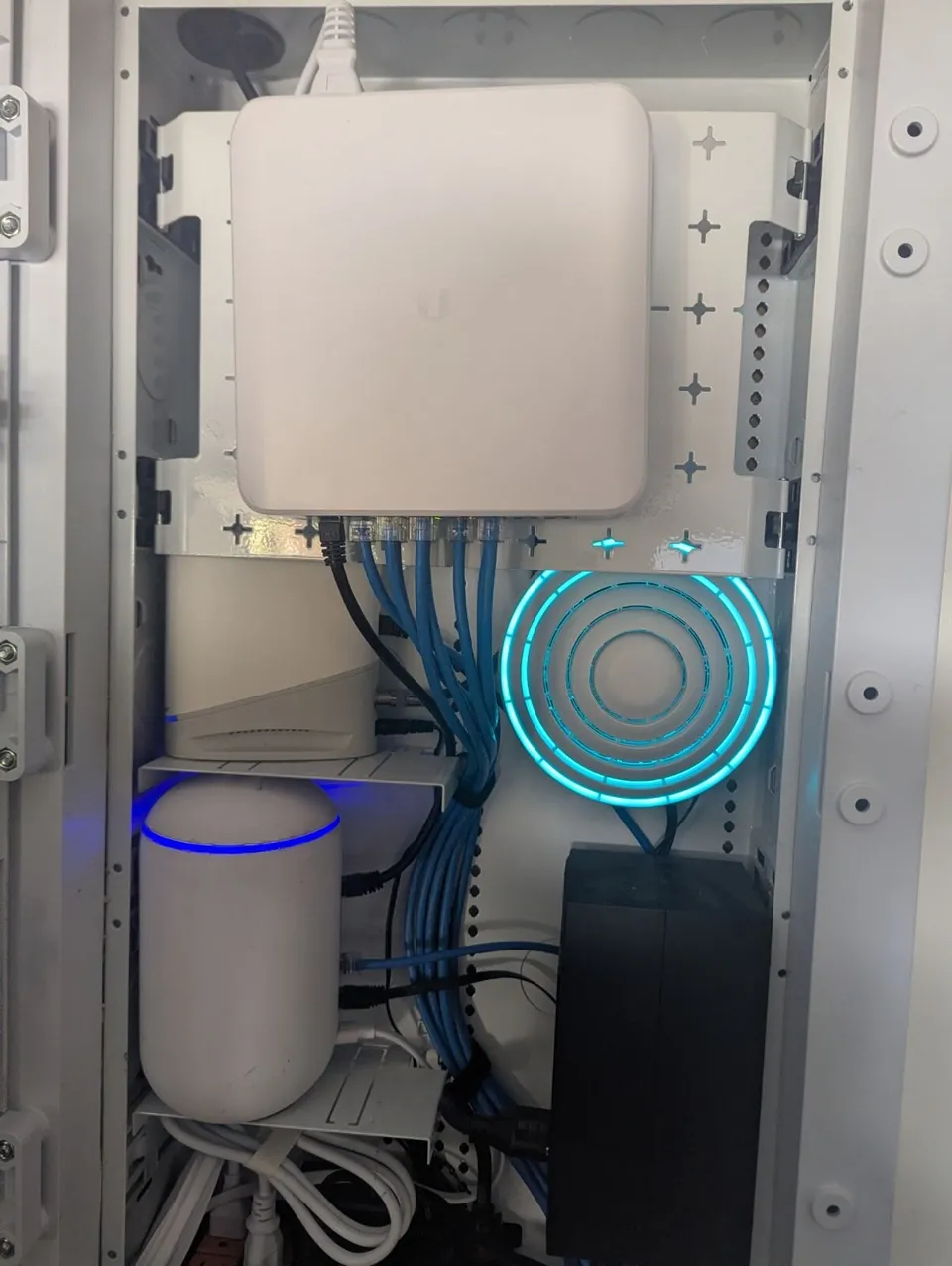
Island has no Wi-Fi of its own, so it takes over routing and security while your existing access points or mesh keep doing the Wi-Fi. That is exactly what we did for a Bellevue home: Island in, UniFi Wi-Fi kept.
Buying a router now? The FCC's March 2026 rule on foreign-made routers matters too: what the FCC rule means for your router.
Two ways to get an Island
- Buy it: Island, $499, for service up to 1 Gbps, or Island Pro, $1,499, for multi-gig, shipped nationwide (store prices as of November 2026).
- Have us install it: we set it up with the Wi-Fi you have, configure separate networks for cameras and guests, and support it after. Rivas Technology Group serves Kent, Tacoma and the South Sound.
Not sure you need one? Start with the free router check below.