Security
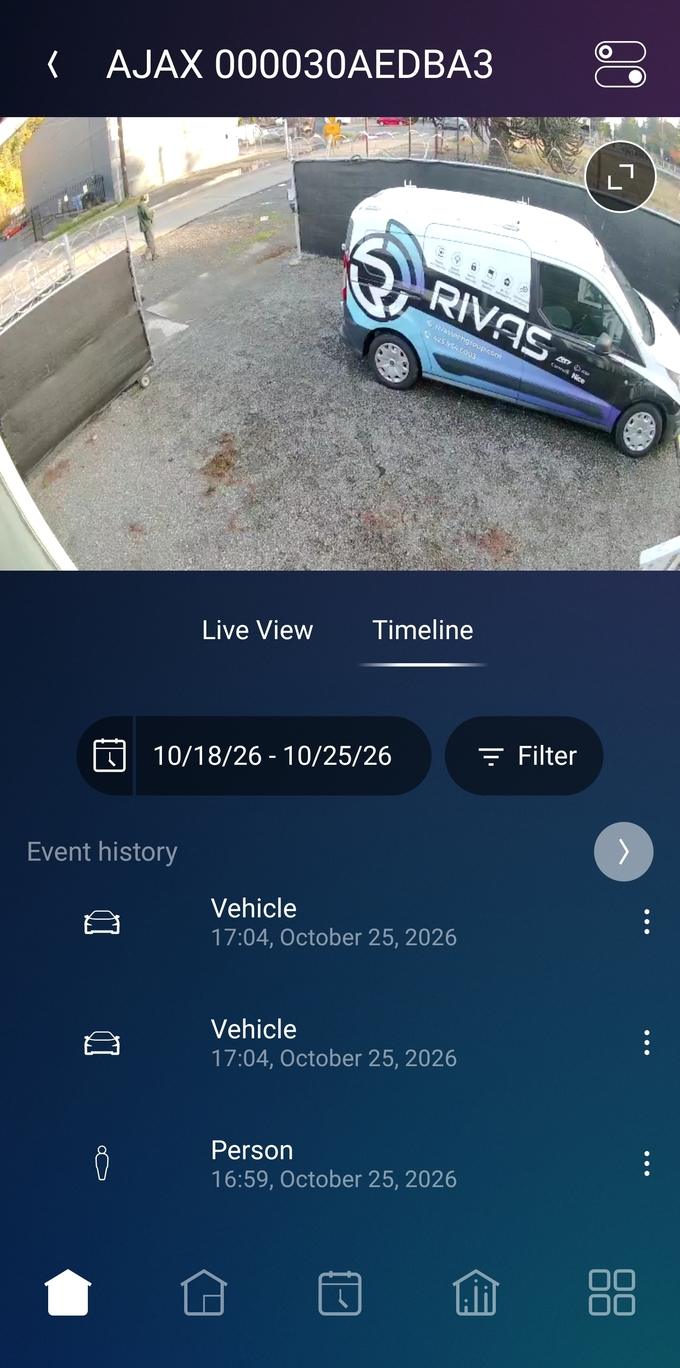
A Seattle Control4 home, upgraded to X4 with an Akuvox intercom.
Seattle clients we installed Control4 security for came back with a short list: a newer Control4, a video panel inside, and doors they could open without hunting for keys. Here is what we did.
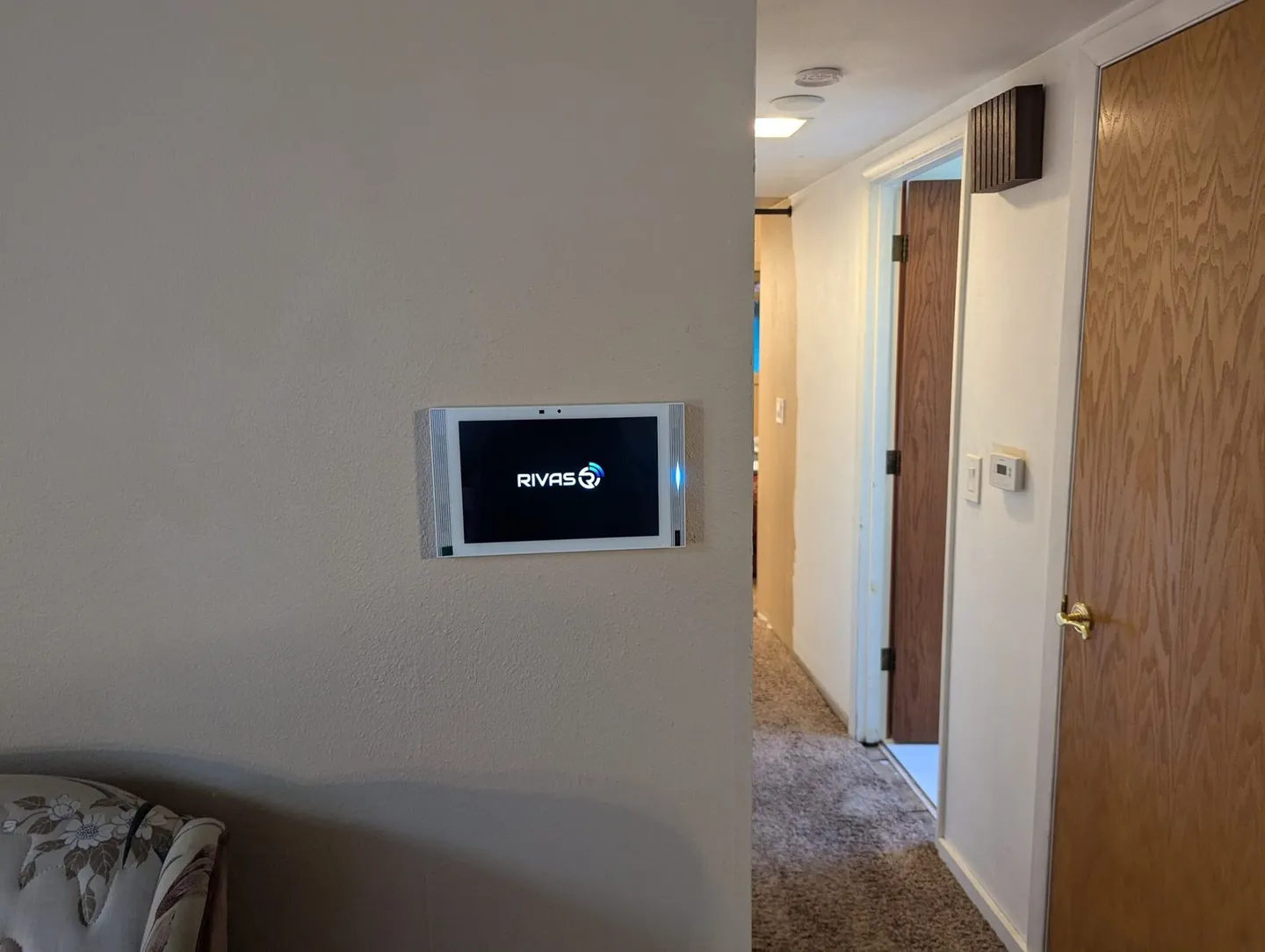
Rivas Technology Group moved a Seattle home from Control4 OS 3 to Control4 X4 and brought the door readers, touch monitor, firewall and Wi-Fi up to current firmware. We added an Akuvox S567A 10.1-inch Android touch panel, an Akuvox E12W video door phone at the front door and an Akuvox R20K at the rear. A press of the bell at either door rings the panel and the Control4 system.
By Ivan Rivas, Owner and Sales Engineer · 2026-11-25 · Updated 2026-11-25
What the clients asked for
We installed Control4 security in this Seattle home, and the homeowners came back with three asks: move to the newest Control4, put a video panel inside that answers both entrances, and let everyone in the house get in without a key.
Control4 OS 3 to X4
Control4 X4 is the current generation of the platform. Control4 describes a redesigned app: a home screen you customize, favorites, quick actions and widgets, routines you build yourself, and Apple HomeKit with Siri (Control4).
Snap One's upgrade guide requires the controller to run OS 3.4.2 or higher first (Snap One). We checked the project, upgraded it, and handed the new app to the homeowners.
Firmware, brought current
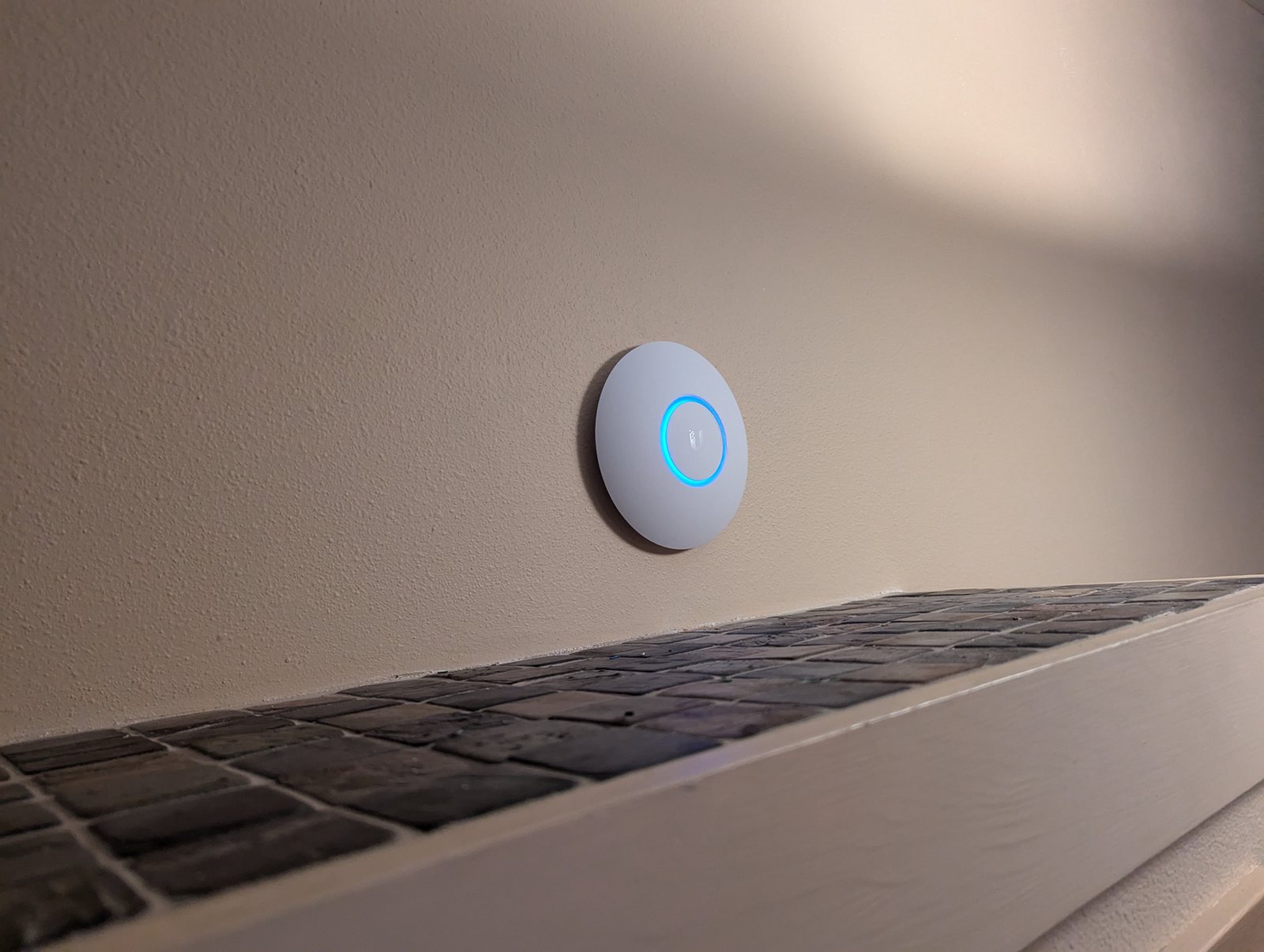
A platform upgrade is the right moment to update everything around it. We updated the firmware on the access control readers, the video touch monitor, the network firewall and the Wi-Fi, so the whole system runs on current software together.
An Akuvox S567A touch panel inside
The Akuvox S567A is a 10.1-inch touch panel that runs Android 12, with Wi-Fi 6, a camera, and power over PoE or a separate supply (Akuvox). It sits by the entry and answers both doors.
We connected it and both door stations to Control4 X4 over SIP with our own custom driver. A visitor pressing the bell at either door rings the panel and the Control4 system at the same time.
An Akuvox E12W at the front door
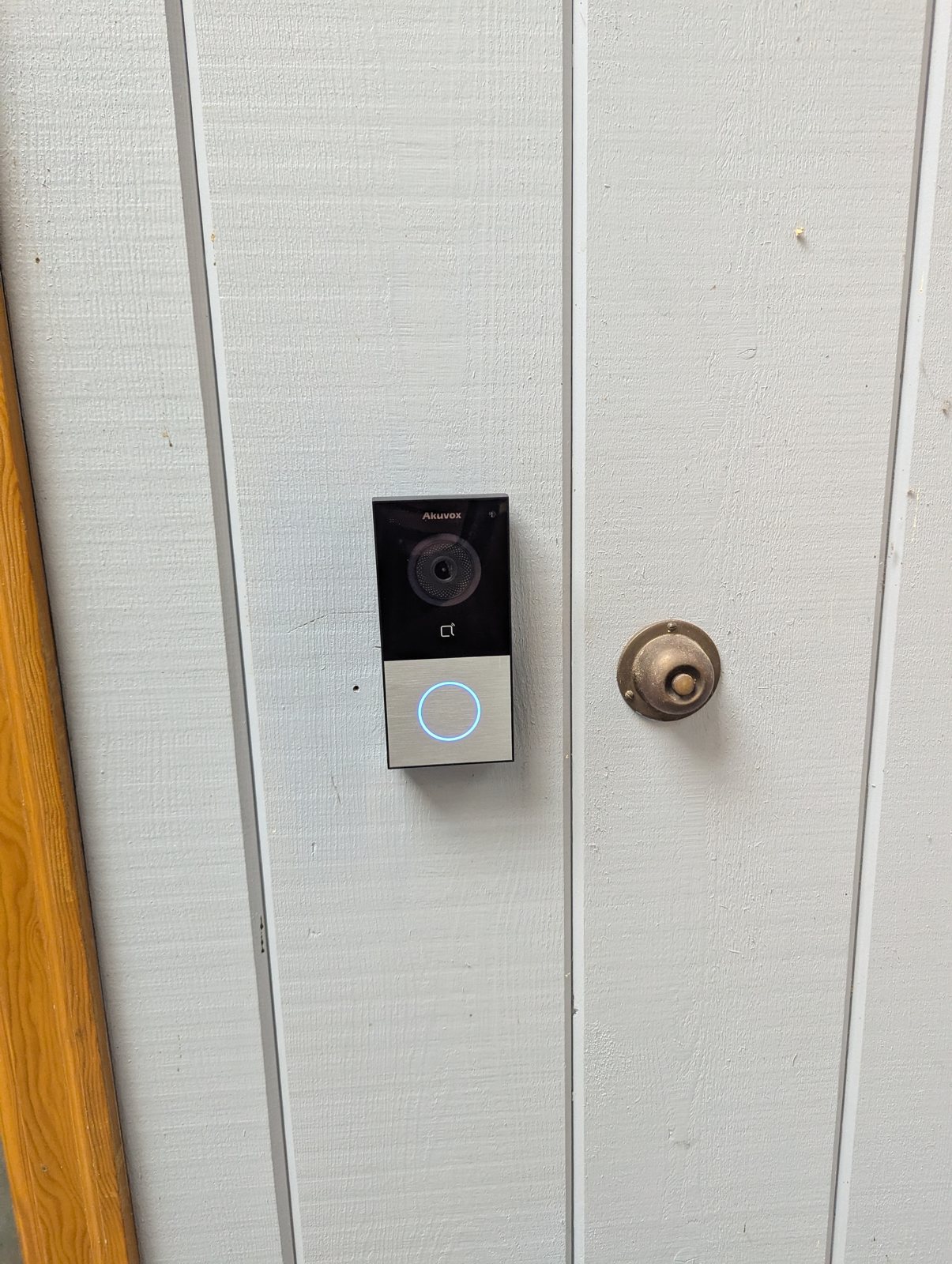
The front door got an Akuvox E12W video door phone: one call button, a 2-megapixel camera with a 123-degree wide view, and IP65 for outdoor use (Akuvox). Its reader takes 13.56 MHz cards and fobs (Mifare and DesFire), Bluetooth and NFC on Android phones (Akuvox E12W datasheet).
An Akuvox R20K at the rear door
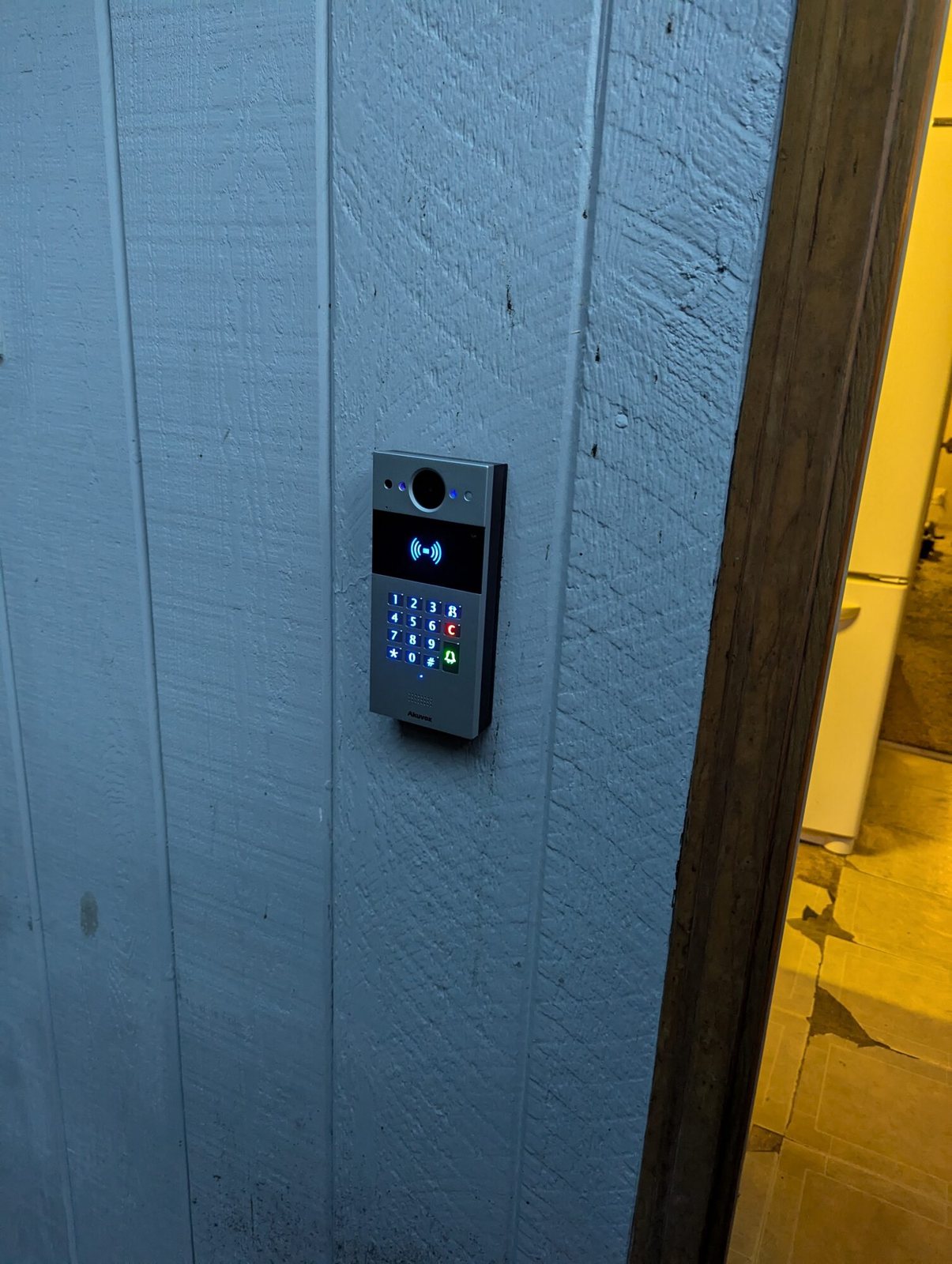
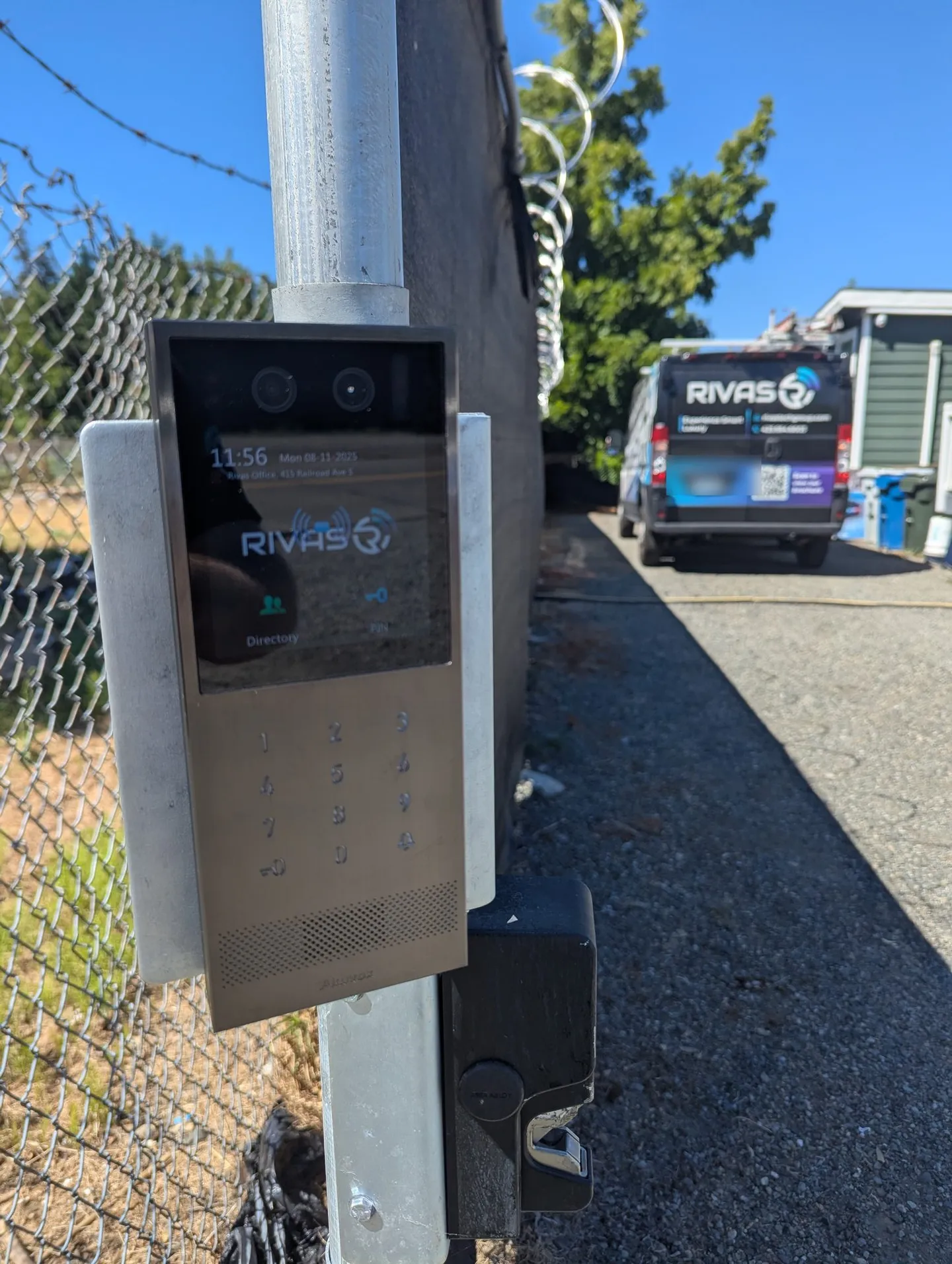
The rear door got an Akuvox R20K: a SIP video door phone with a camera, a numeric keypad and a card reader, also rated IP65 (Akuvox). It reads 13.56 MHz and 125 kHz cards and fobs (EM, Mifare and DesFire) and NFC on Android phones (Akuvox R20K datasheet).
At the front, the homeowners get in with a card or key fob, Bluetooth or a phone tap. At the rear, they can also type a keypad code. Both doors open from the Control4 app. We set up the fobs and codes and showed everyone how to use them.
An in-wall enclosure that protects the gear
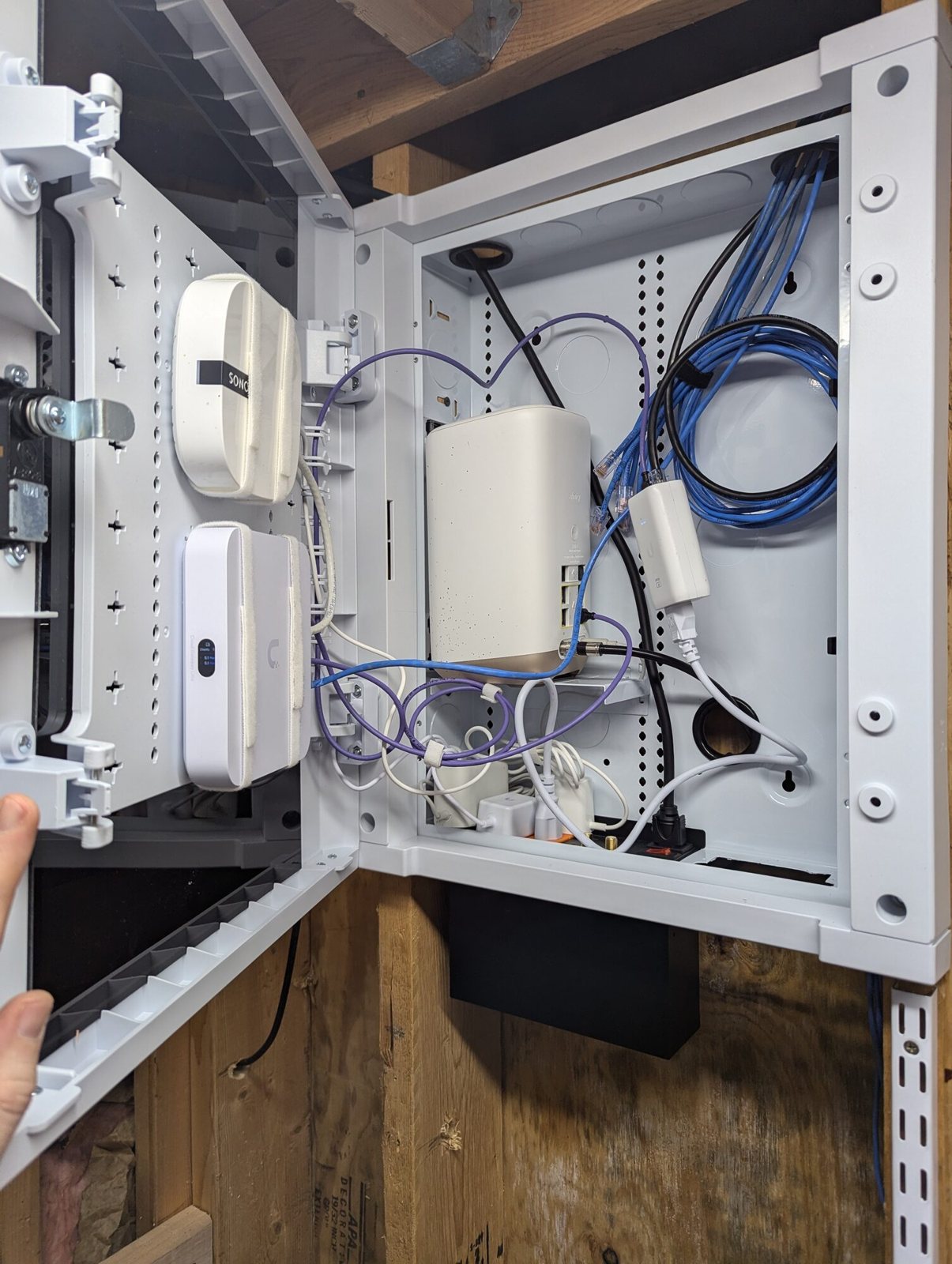
The network and access equipment lives in an in-wall enclosure: out of sight, protected, with labeled wiring that is easy to service later.
What it adds up to
One system answers the door, unlocks it and shows who is there, from the panel, the phone or the Control4 app. Thinking about an Akuvox S567 panel for your own home, or an X4 upgrade? Tell us what you have below.