Security
Warehouse security cameras: where they go, and what the building decides for you.
A warehouse is not a big office. The ceilings are high, the runs are long, the dock doors open all day, and the place is empty at night. Here is how we plan cameras for warehouses in Kent, Tukwila, Federal Way and the rest of the South Sound.
Put warehouse security cameras on every dock door, every personnel door, the yard and parking, and the aisles that hold high-value stock. Wire them on PoE, keep each cable run under 100 meters, plan a lift for the high mounts, and record to an on-site NVR or a cloud video service with person and vehicle detection.
By Ivan Rivas, Owner and Sales Engineer · 2026-11-25 · Updated 2026-11-25

Start with the doors
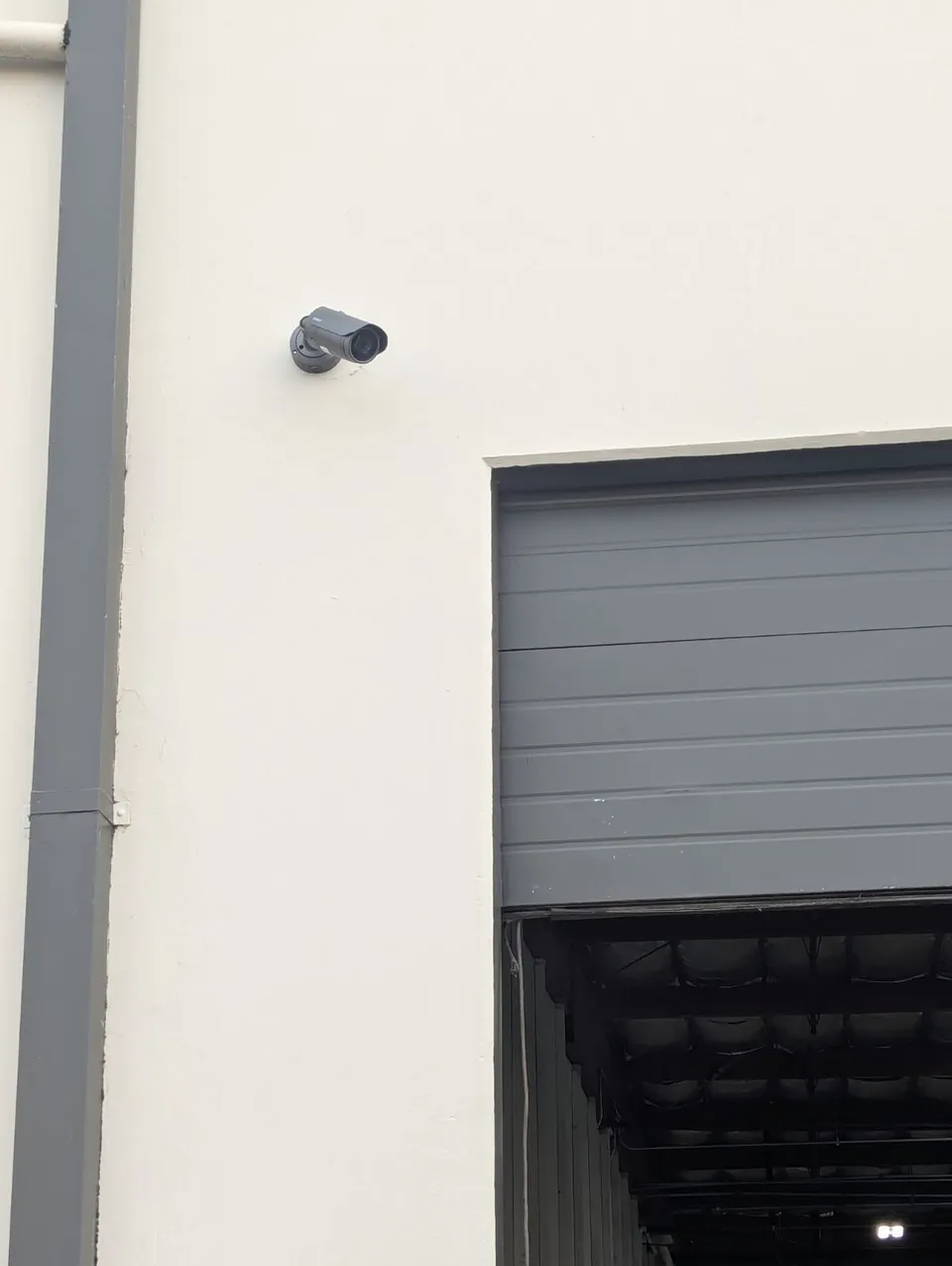
Every dock door and every personnel door gets a camera, inside and out. Product, people and vehicles all pass through one of them, so the doors are where a camera answers the question you will actually ask: who came in, who went out, and what they carried.
Outside, aim the dock cameras along the face of the building so a truck's plate and the person beside it are in frame. Inside, look across the threshold, not straight down at it.
Then the yard, the desk and the aisles
The yard and parking come next: vehicles arriving after hours, trailers left overnight, fence lines. Then the shipping and receiving desk, where paperwork and product change hands. Last, the aisles that hold the stock worth stealing. Not every aisle needs a camera; the expensive ones do.
Let the cable length set the layout
Ethernet over copper is specified to about 100 meters per run (ICC). In a long warehouse the far wall can sit past that from a single network closet. The answer is a second closet with its own switch, joined to the first by fiber, so every camera stays inside the limit.
We decide where the closets go before we decide where the cameras go. A camera mounted where no cable can reach is a camera that never records.
Match the camera to the PoE budget
Each camera takes its power from the same cable that carries its video. How much it can draw depends on the PoE standard the switch provides (Ethernet Alliance):
- 802.3af: up to 13 watts at the camera.
- 802.3at (PoE+): up to 25.5 watts.
- 802.3bt: up to 51 or 71.3 watts, for heaters and pan-tilt-zoom cameras.
Most fixed dome and bullet cameras run on 802.3af or 802.3at. Add up every camera on a switch and check the switch's total budget, not just its port count.
Plan the lift
Warehouse cameras live high: above dock doors, under the roof line, along tall walls. That is out of ladder reach, so the lift is part of the plan from the first walk-through. We arrange for it to be on site the day we install, and it is its own line on the proposal, not a surprise on the invoice.
Record where it survives
An on-site NVR keeps recording when the internet goes down. A cloud video service keeps a copy off site if someone breaks in and takes the recorder. For a warehouse, the right answer depends on how many cameras there are and how good the internet connection is, and we recommend one or the other on the proposal.
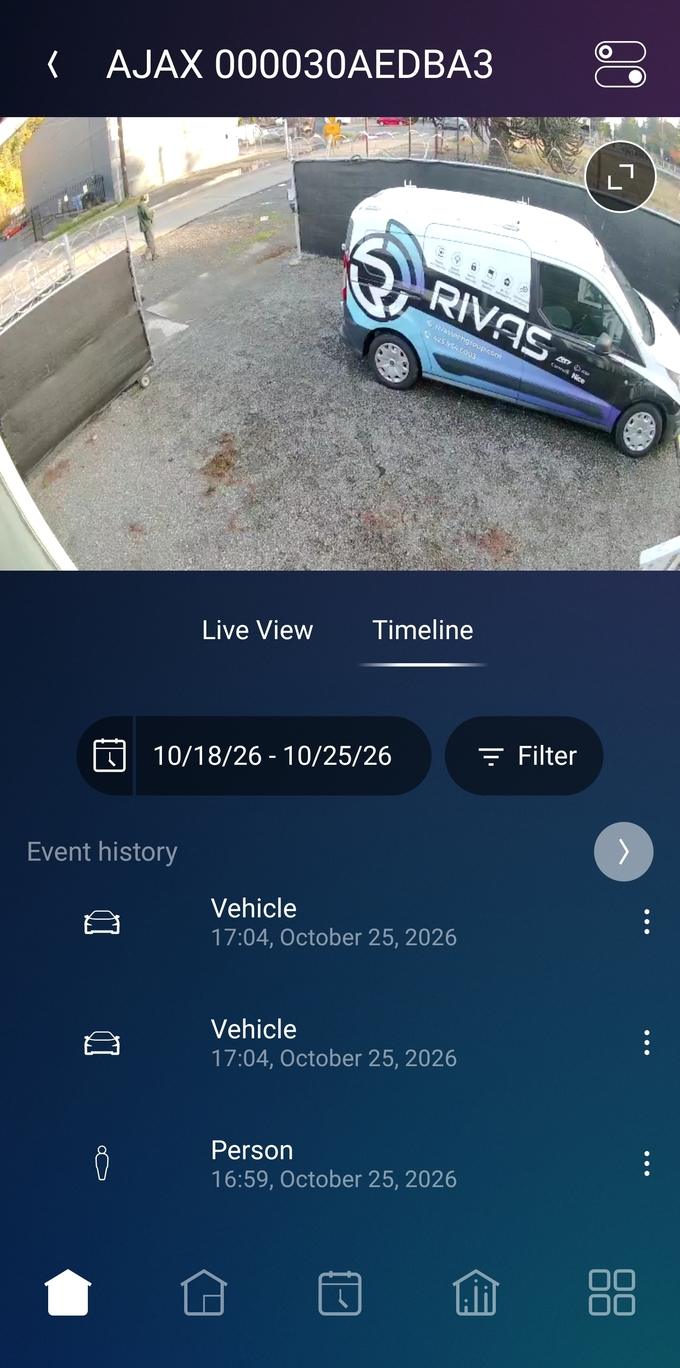
Either way, cameras with person and vehicle detection on board let you search for the people and trucks that crossed a door, instead of scrubbing through a night of empty aisles.
What to ask an installer
- Where will the network closets go, and will any run pass 100 meters?
- Which PoE standard does each camera need, and what is the switch's total budget?
- Who arranges the lift, and is it on the proposal?
- Where is the footage recorded, and what happens when the internet drops?
- Who answers when a camera goes offline?
How we do it
Rivas Technology Group installs security cameras for warehouses and other businesses across Kent, Tukwila, Federal Way, Tacoma and the South Sound. We install wired PoE cameras of the Ajax, UniFi or Hanwha class, record to an on-site NVR or a cloud video service, and pull the cabling under WA electrical license RIVASGL799DR. For a real move, see how we relocated a warehouse camera system to Tukwila in one day. See security camera installation and business security, or send us the building.