Security
Ajax and Control4: how the driver works and what it lets you automate
A Control4 driver published by Chowmain Software puts the Ajax hub on your Control4 keypads, touch screens and app. Here is what it does, what stays in the Ajax app, and how we set it up in South Sound homes.
A Control4 driver published by Chowmain Software puts the Ajax hub on Control4 keypads, touch screens and the app. You arm and disarm from there and let scenes react to alarm events. Rivas Technology Group installs both sides, as an Ajax Systems dealer and a Control4 Authorized Dealer, from Kent across the South Sound.
By Ivan Rivas, Owner and Sales Engineer · 2026-09-17 · Updated 2026-09-17

Does Ajax work with Control4?
Yes. Ajax publishes a Control4 integration on its own site, built on a driver that a Control4 installer downloads and adds to the project (Ajax integrations). Once it is in, the Ajax system shows up on Control4 touch screens, keypads and the Control4 app. You arm and disarm from there, see status in real time, and let Control4 programming react to what the alarm reports.
A Tacoma home that went from a Clare panel to Ajax inside Control4 is on the Tacoma alarm upgrade page.
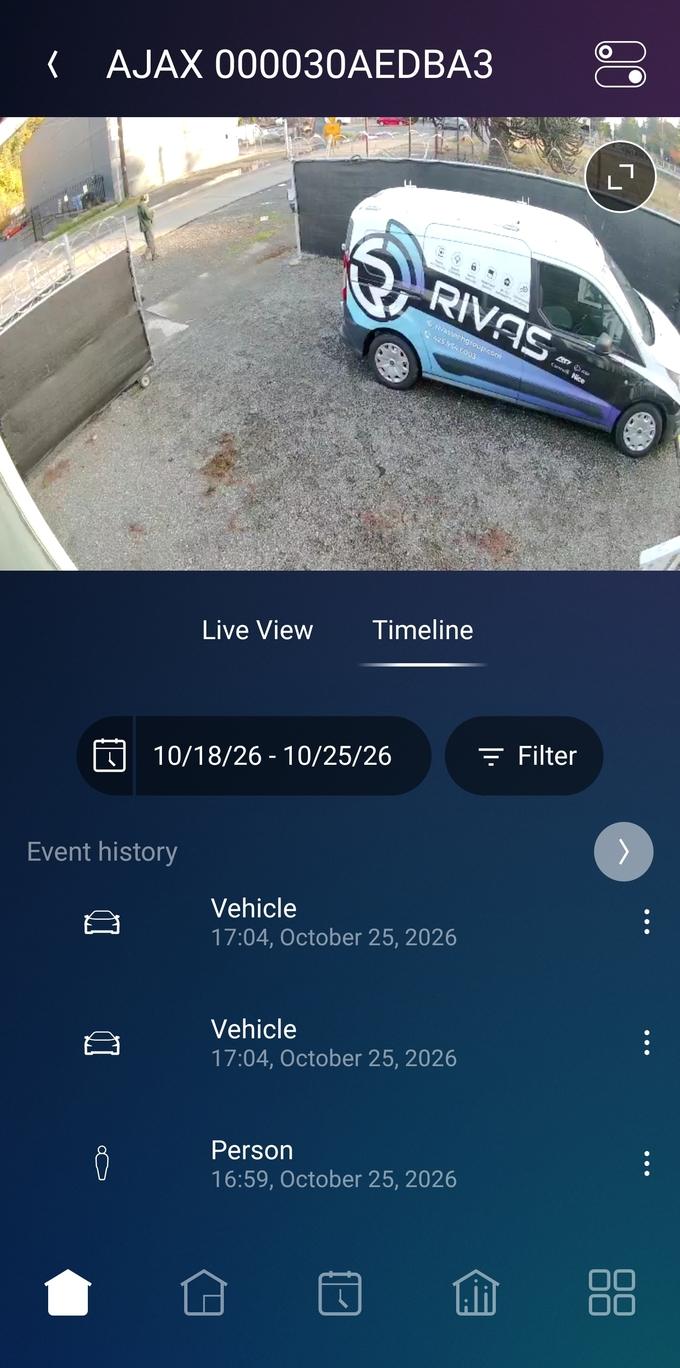
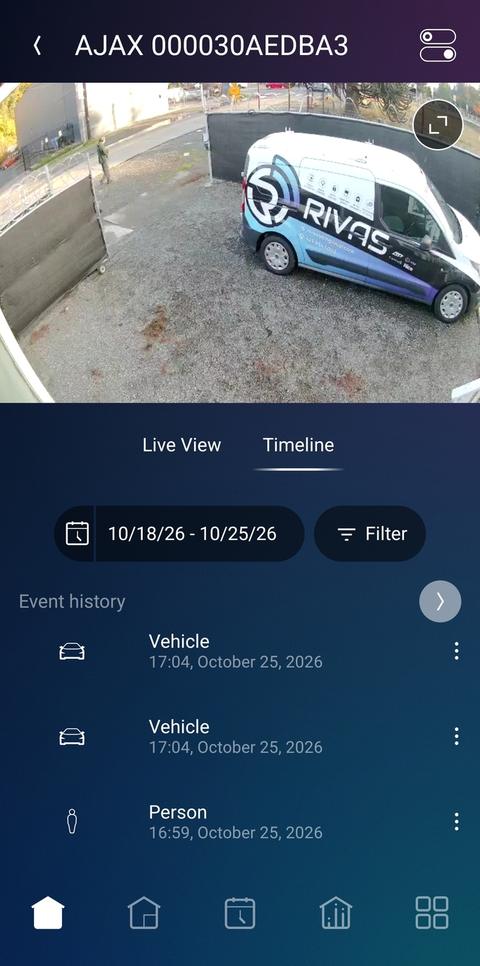
Rivas Technology Group installs both sides: we are an Ajax Systems dealer and a Control4 Authorized Dealer, listed on Control4's integrator map. The Ajax page covers why we build security on Ajax; the Control4 page covers the automation side. This post is about the piece in between. For Ajax Systems cameras in Control4, live video and AI detection events, see the Ajax camera driver for Control4.
Who makes the Ajax Control4 driver, and how does it connect?
Chowmain Software, an Ajax partner, wrote the driver, and it talks to the hub through the Ajax API (Ajax integrations). Two paths carry the traffic, and knowing them explains how the integration behaves:
- Commands go through the Ajax Cloud. When you tap Arm on a Control4 screen, the driver sends the command to Ajax's cloud server, which passes it to the hub (same source). For that to work, Chowmain's company account is added to the hub as an installation company.
- Events come back over a local link. The hub reports arming, disarming and alarms to the Control4 controller on your network using SIA DC-09, the same alarm protocol central stations use (Automated Now, driver page). That is what lets a scene fire the moment the system arms.
The driver works with every Ajax hub and supports the core Baseline detectors: MotionProtect, MotionCam, CombiProtect, GlassProtect, DualCurtain Outdoor, DoorProtect, LeaksProtect and FireProtect (Ajax integrations). It is sold, not free: Ajax states it is available for download and purchase, with a 90-day free trial (same source).
What can you do with Ajax from Control4?
Arm, disarm, set Night mode, trigger panic, watch status, and hang automation off any of those events. On a Control4 keypad by the garage door, one button arms the house. On the touch screen in the kitchen, the security tile shows whether the system is armed and which group is open. A PIN set in Control4 gates arming and disarming from Control4 interfaces (Automated Now, installation guide).
The programming is where it earns its place. Because arming, disarming and alarms arrive as events, Control4 can run scenes on them:
- Arm away turns off every light, drops the shades, sets the thermostat back and locks the doors.
- Disarm lights the entry path and the kitchen, and brings the thermostat back.
- Alarm brings the exterior lights to full, puts the camera view on the nearest touch screen and sends a Control4 notification.
- Night mode dims the hallway and the stair, and arms the perimeter.
These are the same scenes a Josh.ai or Control4 voice command can call, so "goodnight" can arm the house as part of a longer routine. The smart security page shows how the whole stack fits in a South Sound home.
What stays in the Ajax app?
Photo verification, monitoring, device settings and user management. The driver moves state and commands, not images. When a MotionCam trips, its first photo lands within 9 seconds (Ajax MotionCam), and it lands in the Ajax app and at the central station, not on a Control4 screen. That is by design. The alarm's path to the station runs from the hub through Ajax's own channels.
A Hub 2 Plus keeps Ethernet, Wi-Fi and two cellular SIM channels for that job (Hub 2 Plus). Where the site is monitored, Ajax connects the system to the station's software through Cloud Signaling, separate from the Control4 link (Ajax integrations). Adding a detector, changing polling, adding a user or turning on Night mode schedules also happen in the Ajax app or by us in Ajax PRO. Control4 is a second set of controls, and the alarm never depends on it.
How does Rivas Technology Group set it up?
On a walk-through, then in one programming session. The steps:
- Walk the entries. We check every door, window and outdoor zone the way we do for any Ajax install, and note which Control4 keypads and screens should carry security.
- Decide the groups. Ajax groups map to what Control4 sees, so an estate with a main house and a shop gets groups that make sense on a keypad.
- Add the driver. In Composer Pro we add the Chowmain driver, note the controller's fixed IP and the driver's listener port, and invite Chowmain as a company on the hub.
- Point the hub at the controller. In the hub's Security Companies settings we set SIA DC-09, the controller's IP and port, an object number and, where wanted, encryption (Automated Now, installation guide).
- Program the scenes. Arm, disarm, alarm and Night mode each get their actions, and we test every one with you in the room.
- Hand over. You arm from a keypad, watch the tile change and see the same event in the Ajax app.
Both systems sit on a managed network with a fixed address for the controller, because the local event link breaks if the controller's IP changes.
What are the limits?
Commands need the internet, photos stay in Ajax, and the driver covers the core devices rather than every product. In detail:
- Cloud for commands. Arming from Control4 travels through the Ajax Cloud, so a home internet outage stops Control4 commands while the Ajax app on cellular still works. Keypads on the Ajax radio keep working too.
- Device coverage. The published list is the Baseline security line. Automation devices, cameras and sirens are not part of the driver's scope.
- No images. MotionCam photos and camera video are not carried by the driver. Verification lives in the Ajax app and at the station.
- Licensing. The driver is licensed per Control4 project, and it needs Chowmain on the hub as an installation company. Both are normal for us and invisible to you.
- Two apps. Daily arming can live entirely in Control4, but the Ajax app stays installed for photos and settings.
None of these change the recommendation. The alarm should stand on its own, and Control4 should make it easier to live with. This driver does exactly that split.
Need it installed?
Rivas Technology Group designs and installs Ajax and Control4 together from Kent across south King County and Pierce County. That includes Tacoma, Gig Harbor, Puyallup, Federal Way, Renton and Bonney Lake. Read the earlier post on Control4 and Ajax integration for the homeowner's view. See Ajax alarm system cost for what drives the price. Or book a walk-through and we will show you the keypad arming the house.